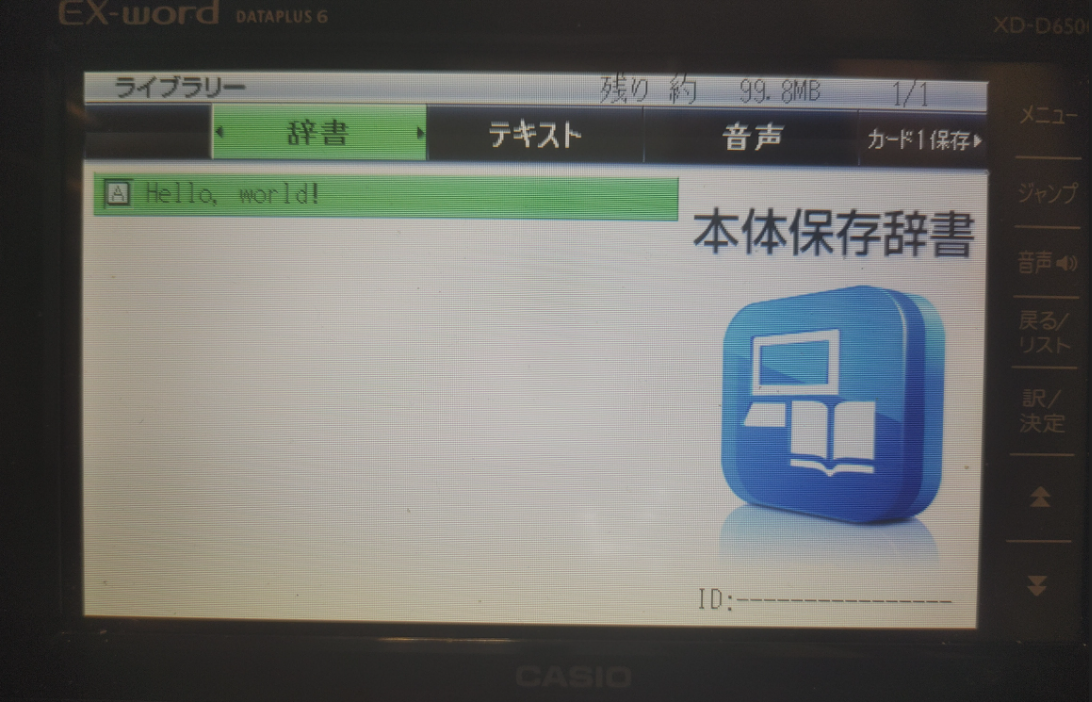
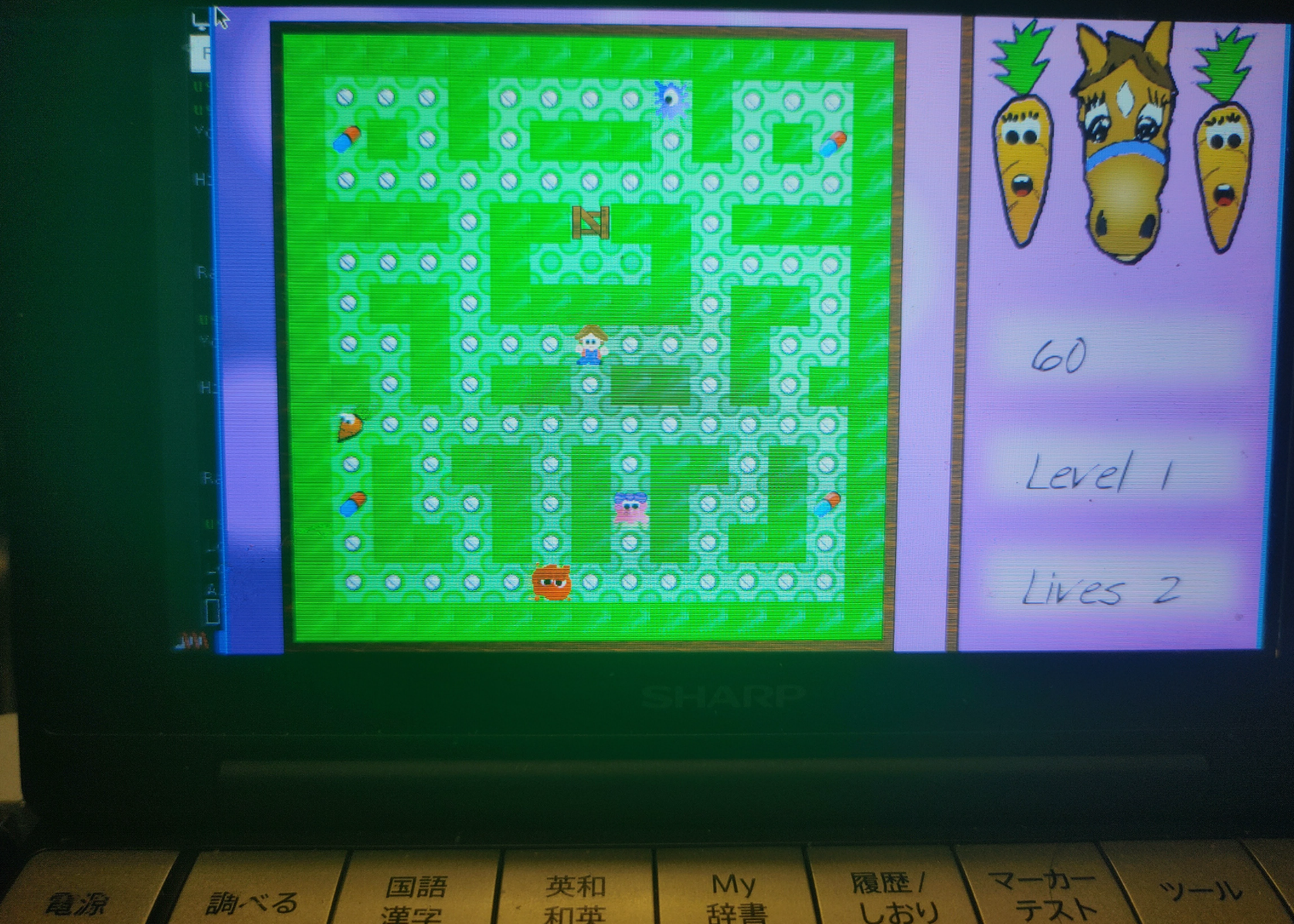
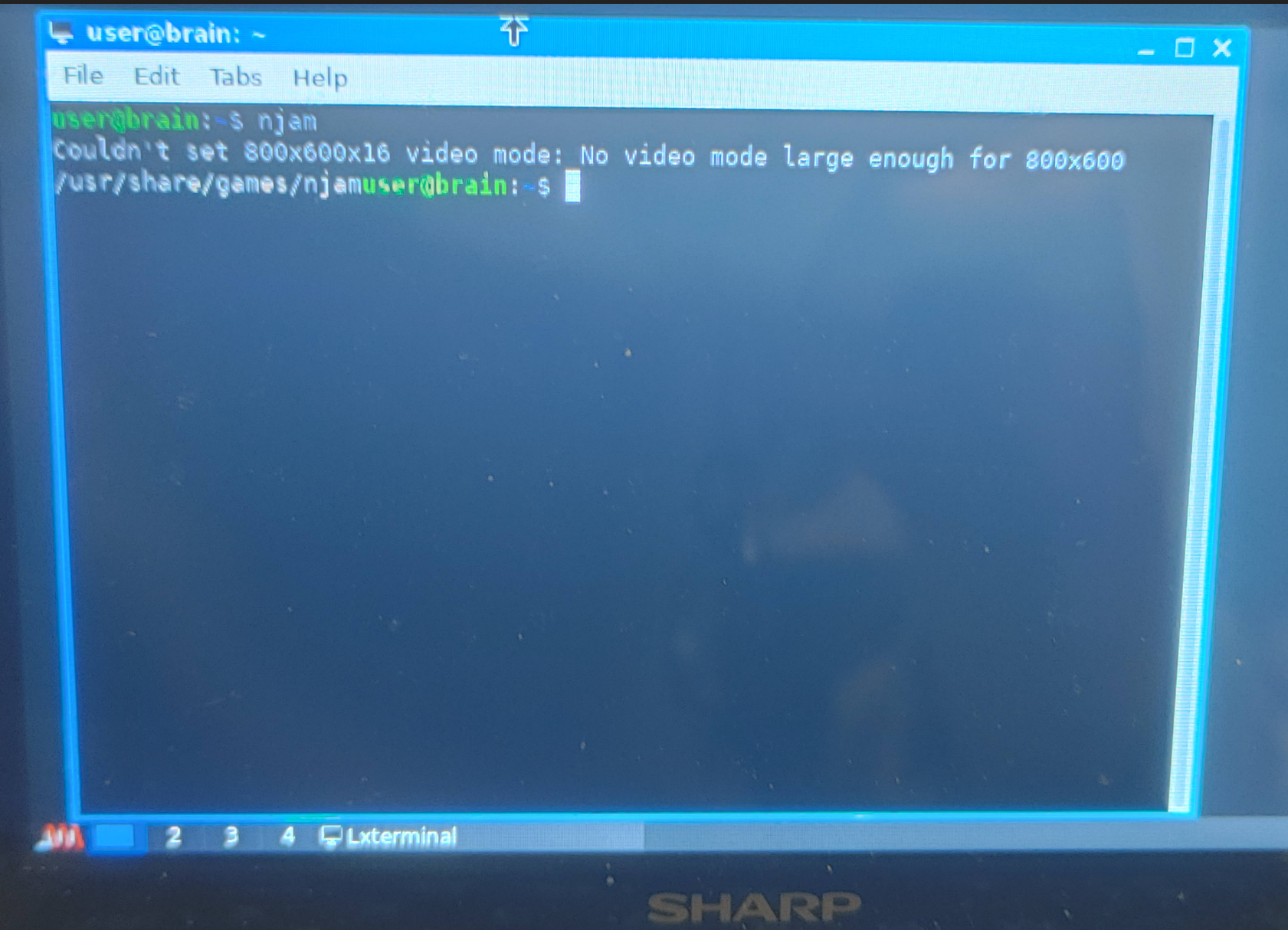
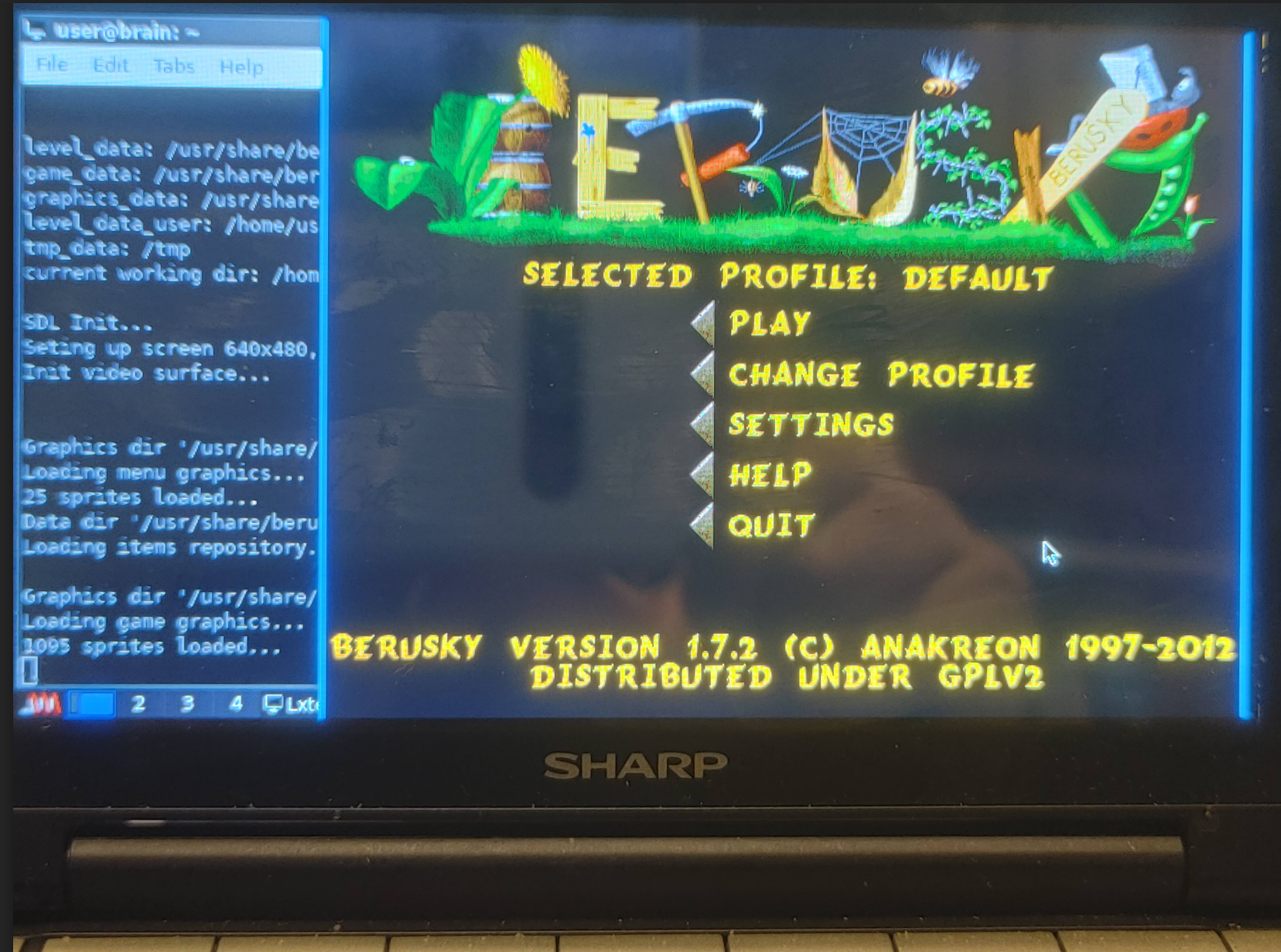
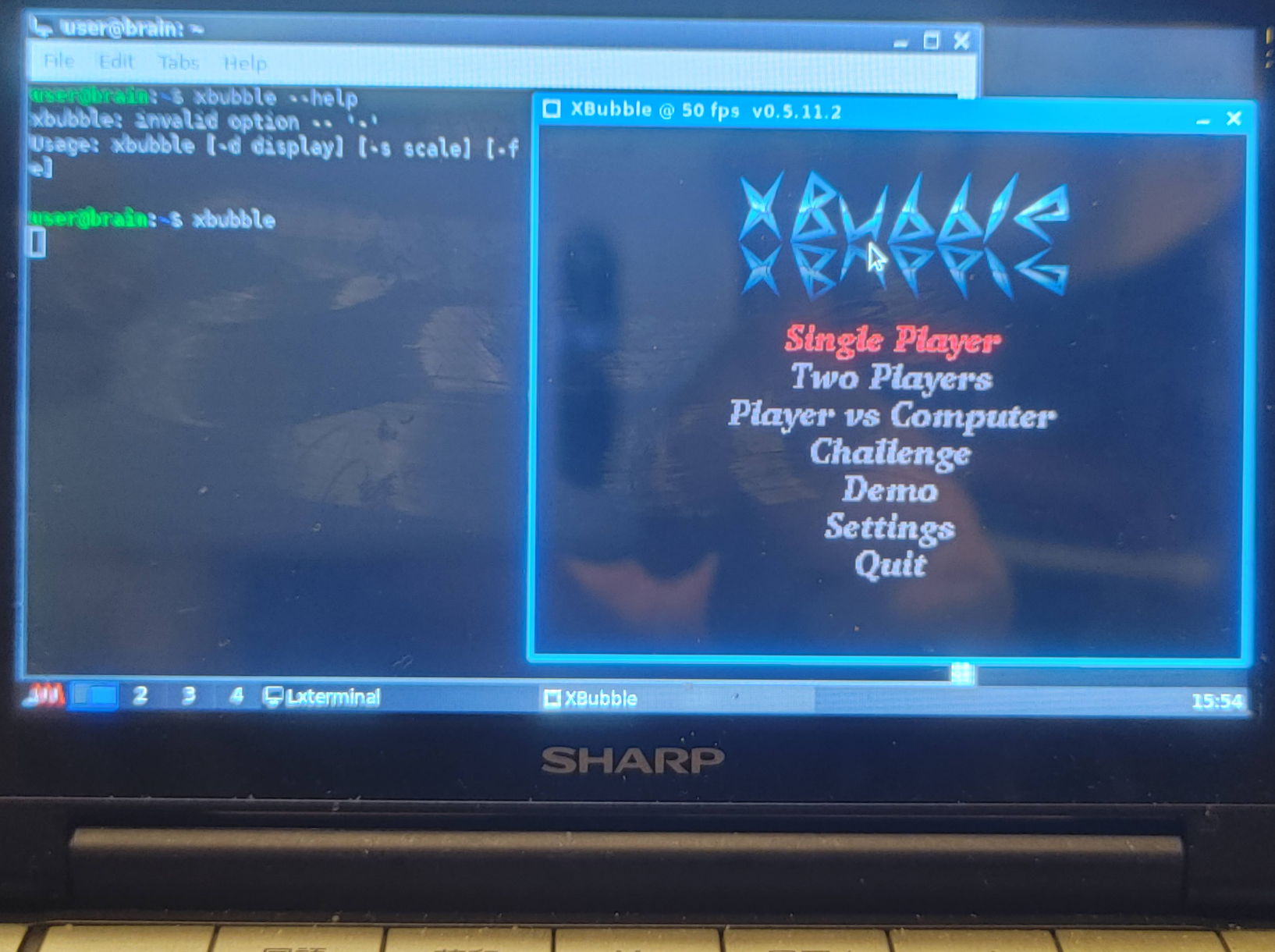
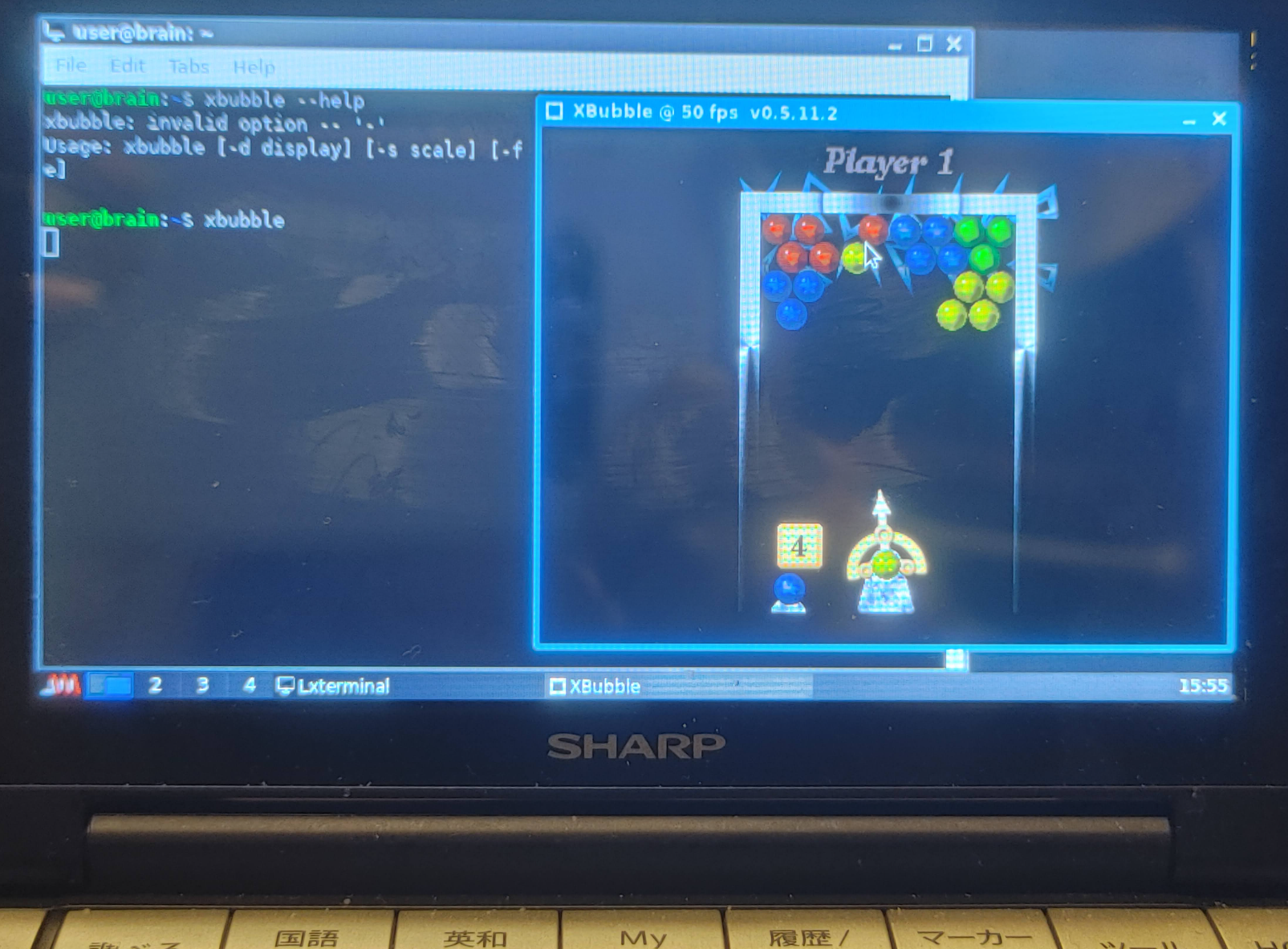
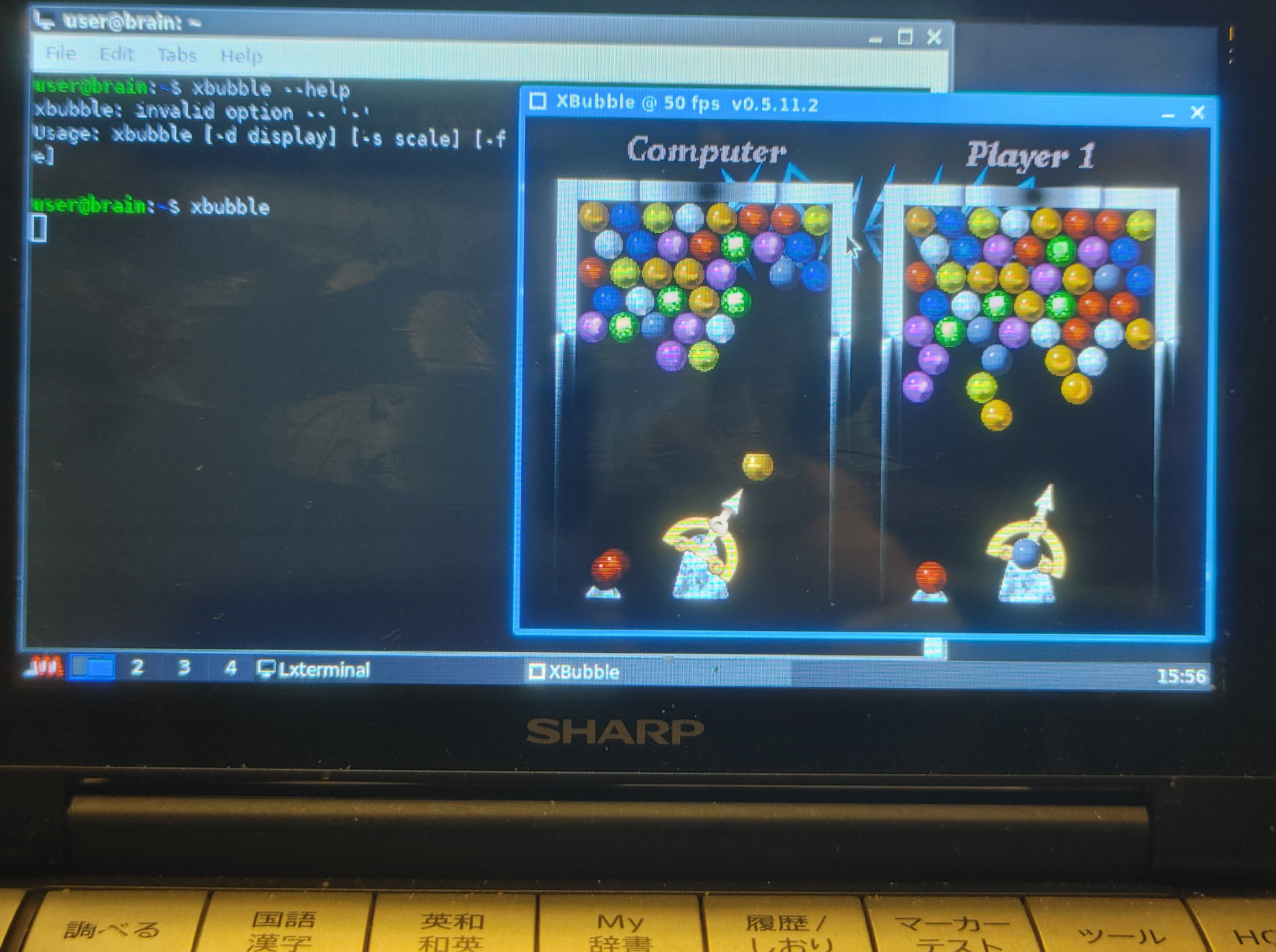
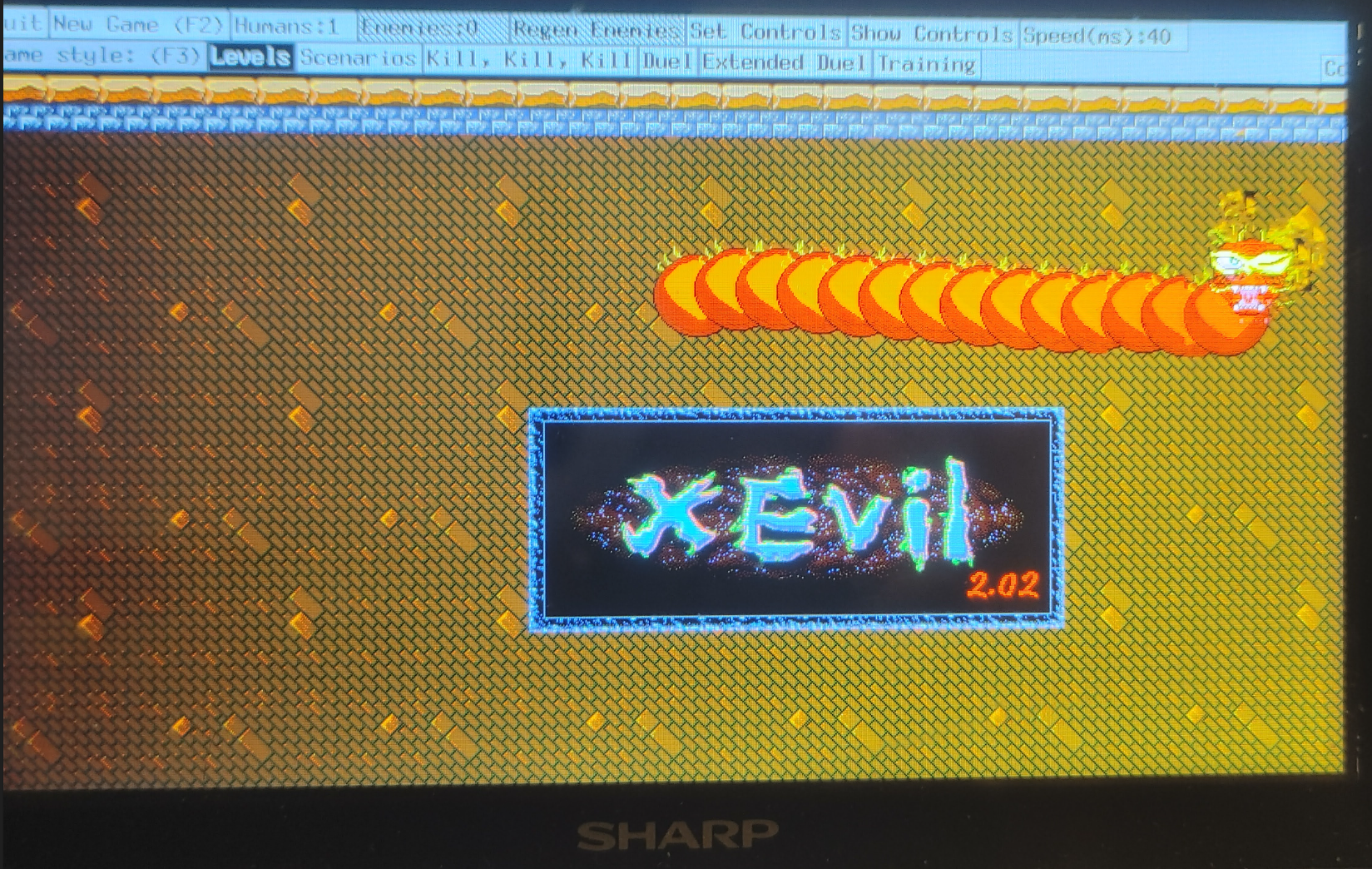
user@brain:~$ sudo apt install git build-essential libusb-1.0-0-dev libglib2.0-dev libreadline-dev libtool
[sudo] password for user:
Reading package lists... Done
Building dependency tree... Done
Reading state information... Done
build-essential is already the newest version (12.9).
git is already the newest version (1:2.30.2-1+deb11u2).
libglib2.0-dev is already the newest version (2.66.8-1+deb11u4).
libglib2.0-dev set to manually installed.
libtool is already the newest version (2.4.6-15).
The following additional packages will be installed:
  libncurses-dev
Suggested packages:
  ncurses-doc readline-doc
Recommended packages:
  libusb-1.0-doc
The following NEW packages will be installed:
  libncurses-dev libreadline-dev libusb-1.0-0-dev
0 upgraded, 3 newly installed, 0 to remove and 2 not upgraded.
Need to get 516 kB of archives.
After this operation, 2,707 kB of additional disk space will be used.
Do you want to continue? [Y/n] Y
Get:1 http://archive.debian.org/debian bullseye/main armel libncurses-dev armel 6.2+20201114-2+deb11u2 [305 kB]
Get:2 http://archive.debian.org/debian bullseye/main armel libreadline-dev armel 8.1-1 [134 kB]
Get:3 http://archive.debian.org/debian bullseye/main armel libusb-1.0-0-dev armel 2:1.0.24-3 [76.1 kB]
Fetched 516 kB in 2s (207 kB/s)
Selecting previously unselected package libncurses-dev:armel.
(Reading database ... 59923 files and directories currently installed.)
Preparing to unpack .../libncurses-dev_6.2+20201114-2+deb11u2_armel.deb ...
Unpacking libncurses-dev:armel (6.2+20201114-2+deb11u2) ...
Selecting previously unselected package libreadline-dev:armel.
Preparing to unpack .../libreadline-dev_8.1-1_armel.deb ...
Unpacking libreadline-dev:armel (8.1-1) ...
Selecting previously unselected package libusb-1.0-0-dev:armel.
Preparing to unpack .../libusb-1.0-0-dev_2%3a1.0.24-3_armel.deb ...
Unpacking libusb-1.0-0-dev:armel (2:1.0.24-3) ...
Setting up libncurses-dev:armel (6.2+20201114-2+deb11u2) ...
Setting up libusb-1.0-0-dev:armel (2:1.0.24-3) ...
Setting up libreadline-dev:armel (8.1-1) ...
Processing triggers for man-db (2.9.4-2) ...
user@brain:~$
libexword のソースコードを取得
libexword のソースコードを取得します
mkdir libexword cd libexword/ git clone –depth 1 -b ‘2.0-dev’ https://github.com/brijohn/libexword.git cd libexword/
user@brain:~/libexword/libexword$ ./autogen.sh
libtoolize: putting auxiliary files in '.'.
libtoolize: linking file './ltmain.sh'
libtoolize: putting macros in AC_CONFIG_MACRO_DIRS, 'm4'.
libtoolize: linking file 'm4/libtool.m4'
libtoolize: linking file 'm4/ltoptions.m4'
libtoolize: linking file 'm4/ltsugar.m4'
libtoolize: linking file 'm4/ltversion.m4'
libtoolize: linking file 'm4/lt~obsolete.m4'
configure.ac:15: installing './ar-lib'
configure.ac:15: installing './compile'
configure.ac:16: installing './config.guess'
configure.ac:16: installing './config.sub'
configure.ac:6: installing './install-sh'
configure.ac:6: installing './missing'
Makefile.am: installing './INSTALL'
Makefile.am: installing './COPYING' using GNU General Public License v3 file
Makefile.am:     Consider adding the COPYING file to the version control system
Makefile.am:     for your code, to avoid questions about which license your project uses
src/Makefile.am: installing './depcomp'
src/swig/Makefile.am:6: installing './py-compile'
checking for a BSD-compatible install... /usr/bin/install -c
checking whether build environment is sane... yes
checking for a thread-safe mkdir -p... /usr/bin/mkdir -p
checking for gawk... no
checking for mawk... mawk
checking whether make sets $(MAKE)... yes
checking whether make supports nested variables... yes
checking whether make supports the include directive... yes (GNU style)
checking for gcc... gcc
checking whether the C compiler works... yes
checking for C compiler default output file name... a.out
checking for suffix of executables...
checking whether we are cross compiling... no
checking for suffix of object files... o
checking whether we are using the GNU C compiler... yes
checking whether gcc accepts -g... yes
checking for gcc option to accept ISO C89... none needed
checking whether gcc understands -c and -o together... yes
checking dependency style of gcc... gcc3
checking for ar... ar
checking the archiver (ar) interface... ar
checking build system type... armv5tejl-unknown-linux-gnueabi
checking host system type... armv5tejl-unknown-linux-gnueabi
checking how to print strings... printf
checking for a sed that does not truncate output... /usr/bin/sed
checking for grep that handles long lines and -e... /usr/bin/grep
checking for egrep... /usr/bin/grep -E
checking for fgrep... /usr/bin/grep -F
checking for ld used by gcc... /usr/bin/ld
checking if the linker (/usr/bin/ld) is GNU ld... yes
checking for BSD- or MS-compatible name lister (nm)... /usr/bin/nm -B
checking the name lister (/usr/bin/nm -B) interface... BSD nm
checking whether ln -s works... yes
checking the maximum length of command line arguments... 1572864
checking how to convert armv5tejl-unknown-linux-gnueabi file names to armv5tejl-unknown-linux-gnueabi format... func_convert_file_noop
checking how to convert armv5tejl-unknown-linux-gnueabi file names to toolchain format... func_convert_file_noop
checking for /usr/bin/ld option to reload object files... -r
checking for objdump... objdump
checking how to recognize dependent libraries... pass_all
checking for dlltool... no
checking how to associate runtime and link libraries... printf %s\n
checking for archiver @FILE support... @
checking for strip... strip
checking for ranlib... ranlib
checking command to parse /usr/bin/nm -B output from gcc object... ok
checking for sysroot... no
checking for a working dd... /usr/bin/dd
checking how to truncate binary pipes... /usr/bin/dd bs=4096 count=1
checking for mt... mt
checking if mt is a manifest tool... no
checking how to run the C preprocessor... gcc -E
checking for ANSI C header files... yes
checking for sys/types.h... yes
checking for sys/stat.h... yes
checking for stdlib.h... yes
checking for string.h... yes
checking for memory.h... yes
checking for strings.h... yes
checking for inttypes.h... yes
checking for stdint.h... yes
checking for unistd.h... yes
checking for dlfcn.h... yes
checking for objdir... .libs
checking if gcc supports -fno-rtti -fno-exceptions... no
checking for gcc option to produce PIC... -fPIC -DPIC
checking if gcc PIC flag -fPIC -DPIC works... yes
checking if gcc static flag -static works... yes
checking if gcc supports -c -o file.o... yes
checking if gcc supports -c -o file.o... (cached) yes
checking whether the gcc linker (/usr/bin/ld) supports shared libraries... yes
checking whether -lc should be explicitly linked in... no
checking dynamic linker characteristics... GNU/Linux ld.so
checking how to hardcode library paths into programs... immediate
checking whether stripping libraries is possible... yes
checking if libtool supports shared libraries... yes
checking whether to build shared libraries... yes
checking whether to build static libraries... yes
checking for doxygen... /usr/bin/doxygen
checking for swig... no
checking for swig2.0... no
checking for stdlib.h... (cached) yes
checking for string.h... (cached) yes
checking readline/readline.h usability... yes
checking readline/readline.h presence... yes
checking for readline/readline.h... yes
checking for readline in -lreadline... yes
checking for iconv_open... yes
checking for pkg-config... /usr/bin/pkg-config
checking pkg-config is at least version 0.9.0... yes
checking for libusb-1.0 >= 1.0... yes
checking that generated files are newer than configure... done
configure: creating ./config.status
config.status: creating Makefile
config.status: creating src/Makefile
config.status: creating src/swig/Makefile
config.status: creating docs/Makefile
config.status: creating libexword.pc
config.status: creating config.h
config.status: executing depfiles commands
config.status: executing libtool commands
user@brain:~/libexword/libexword$
user@brain:~/libexword/libexword$
user@brain:~/libexword/libexword$
user@brain:~/libexword/libexword$ make
make  all-recursive
make[1]: Entering directory '/home/user/libexword/libexword'
Making all in src
make[2]: Entering directory '/home/user/libexword/libexword/src'
gcc -DHAVE_CONFIG_H -I. -I..      -g -O2 -MT exword-main.o -MD -MP -MF .deps/exword-main.Tpo -c -o exword-main.o `test -f 'main.c' || echo './'`main.c
mv -f .deps/exword-main.Tpo .deps/exword-main.Po
gcc -DHAVE_CONFIG_H -I. -I..      -g -O2 -MT exword-content.o -MD -MP -MF .deps/exword-content.Tpo -c -o exword-content.o `test -f 'content.c' || echo './'`content.c
mv -f .deps/exword-content.Tpo .deps/exword-content.Po
gcc -DHAVE_CONFIG_H -I. -I..      -g -O2 -MT exword-util.o -MD -MP -MF .deps/exword-util.Tpo -c -o exword-util.o `test -f 'util.c' || echo './'`util.c
mv -f .deps/exword-util.Tpo .deps/exword-util.Po
/bin/bash ../libtool  --tag=CC   --mode=compile gcc -DHAVE_CONFIG_H -I. -I..    -I/usr/include/libusb-1.0   -g -O2 -MT libexword_la-exword.lo -MD -MP -MF .deps/libexword_la-exword.Tpo -c -o libexword_la-exword.lo `test -f 'exword.c' || echo './'`exword.c
libtool: compile:  gcc -DHAVE_CONFIG_H -I. -I.. -I/usr/include/libusb-1.0 -g -O2 -MT libexword_la-exword.lo -MD -MP -MF .deps/libexword_la-exword.Tpo -c exword.c  -fPIC -DPIC -o .libs/libexword_la-exword.o
libtool: compile:  gcc -DHAVE_CONFIG_H -I. -I.. -I/usr/include/libusb-1.0 -g -O2 -MT libexword_la-exword.lo -MD -MP -MF .deps/libexword_la-exword.Tpo -c exword.c -o libexword_la-exword.o >/dev/null 2>&1
mv -f .deps/libexword_la-exword.Tpo .deps/libexword_la-exword.Plo
/bin/bash ../libtool  --tag=CC   --mode=compile gcc -DHAVE_CONFIG_H -I. -I..    -I/usr/include/libusb-1.0   -g -O2 -MT libexword_la-crypt.lo -MD -MP -MF .deps/libexword_la-crypt.Tpo -c -o libexword_la-crypt.lo `test -f 'crypt.c' || echo './'`crypt.c
libtool: compile:  gcc -DHAVE_CONFIG_H -I. -I.. -I/usr/include/libusb-1.0 -g -O2 -MT libexword_la-crypt.lo -MD -MP -MF .deps/libexword_la-crypt.Tpo -c crypt.c  -fPIC -DPIC -o .libs/libexword_la-crypt.o
libtool: compile:  gcc -DHAVE_CONFIG_H -I. -I.. -I/usr/include/libusb-1.0 -g -O2 -MT libexword_la-crypt.lo -MD -MP -MF .deps/libexword_la-crypt.Tpo -c crypt.c -o libexword_la-crypt.o >/dev/null 2>&1
mv -f .deps/libexword_la-crypt.Tpo .deps/libexword_la-crypt.Plo
/bin/bash ../libtool  --tag=CC   --mode=compile gcc -DHAVE_CONFIG_H -I. -I..    -I/usr/include/libusb-1.0   -g -O2 -MT libexword_la-obex.lo -MD -MP -MF .deps/libexword_la-obex.Tpo -c -o libexword_la-obex.lo `test -f 'obex.c' || echo './'`obex.c
libtool: compile:  gcc -DHAVE_CONFIG_H -I. -I.. -I/usr/include/libusb-1.0 -g -O2 -MT libexword_la-obex.lo -MD -MP -MF .deps/libexword_la-obex.Tpo -c obex.c  -fPIC -DPIC -o .libs/libexword_la-obex.o
libtool: compile:  gcc -DHAVE_CONFIG_H -I. -I.. -I/usr/include/libusb-1.0 -g -O2 -MT libexword_la-obex.lo -MD -MP -MF .deps/libexword_la-obex.Tpo -c obex.c -o libexword_la-obex.o >/dev/null 2>&1
mv -f .deps/libexword_la-obex.Tpo .deps/libexword_la-obex.Plo
/bin/bash ../libtool  --tag=CC   --mode=compile gcc -DHAVE_CONFIG_H -I. -I..    -I/usr/include/libusb-1.0   -g -O2 -MT libexword_la-databuffer.lo -MD -MP -MF .deps/libexword_la-databuffer.Tpo -c -o libexword_la-databuffer.lo `test -f 'databuffer.c' || echo './'`databuffer.c
libtool: compile:  gcc -DHAVE_CONFIG_H -I. -I.. -I/usr/include/libusb-1.0 -g -O2 -MT libexword_la-databuffer.lo -MD -MP -MF .deps/libexword_la-databuffer.Tpo -c databuffer.c  -fPIC -DPIC -o .libs/libexword_la-databuffer.o
libtool: compile:  gcc -DHAVE_CONFIG_H -I. -I.. -I/usr/include/libusb-1.0 -g -O2 -MT libexword_la-databuffer.lo -MD -MP -MF .deps/libexword_la-databuffer.Tpo -c databuffer.c -o libexword_la-databuffer.o >/dev/null 2>&1
mv -f .deps/libexword_la-databuffer.Tpo .deps/libexword_la-databuffer.Plo
/bin/bash ../libtool  --tag=CC   --mode=link gcc -I/usr/include/libusb-1.0   -g -O2 -version-info 2:0:0   -o libexword.la -rpath /usr/local/lib libexword_la-exword.lo libexword_la-crypt.lo libexword_la-obex.lo libexword_la-databuffer.lo -lusb-1.0
libtool: link: gcc -shared  -fPIC -DPIC  .libs/libexword_la-exword.o .libs/libexword_la-crypt.o .libs/libexword_la-obex.o .libs/libexword_la-databuffer.o   -lusb-1.0  -g -O2   -Wl,-soname -Wl,libexword.so.2 -o .libs/libexword.so.2.0.0
libtool: link: (cd ".libs" && rm -f "libexword.so.2" && ln -s "libexword.so.2.0.0" "libexword.so.2")
libtool: link: (cd ".libs" && rm -f "libexword.so" && ln -s "libexword.so.2.0.0" "libexword.so")
libtool: link: ar cr .libs/libexword.a  libexword_la-exword.o libexword_la-crypt.o libexword_la-obex.o libexword_la-databuffer.o
libtool: link: ranlib .libs/libexword.a
libtool: link: ( cd ".libs" && rm -f "libexword.la" && ln -s "../libexword.la" "libexword.la" )
/bin/bash ../libtool  --tag=CC   --mode=link gcc   -g -O2   -o exword exword-main.o exword-content.o exword-util.o -lreadline libexword.la
libtool: link: gcc -g -O2 -o .libs/exword exword-main.o exword-content.o exword-util.o  -lreadline ./.libs/libexword.so
make[2]: Leaving directory '/home/user/libexword/libexword/src'
Making all in src/swig
make[2]: Entering directory '/home/user/libexword/libexword/src/swig'
make  all-am
make[3]: Entering directory '/home/user/libexword/libexword/src/swig'
make[3]: Nothing to be done for 'all-am'.
make[3]: Leaving directory '/home/user/libexword/libexword/src/swig'
make[2]: Leaving directory '/home/user/libexword/libexword/src/swig'
Making all in docs
make[2]: Entering directory '/home/user/libexword/libexword/docs'
Creating Documentation
warning: Tag 'TCL_SUBST' at line 203 of file 'doxy.cfg' has become obsolete.
         To avoid this warning please remove this line from your configuration file or upgrade it using "doxygen -u"
warning: Tag 'SYMBOL_CACHE_SIZE' at line 336 of file 'doxy.cfg' has become obsolete.
         To avoid this warning please remove this line from your configuration file or upgrade it using "doxygen -u"
warning: Tag 'COLS_IN_ALPHA_INDEX' at line 848 of file 'doxy.cfg' has become obsolete.
         To avoid this warning please remove this line from your configuration file or upgrade it using "doxygen -u"
warning: Tag 'XML_SCHEMA' at line 1403 of file 'doxy.cfg' has become obsolete.
         To avoid this warning please remove this line from your configuration file or upgrade it using "doxygen -u"
warning: Tag 'XML_DTD' at line 1409 of file 'doxy.cfg' has become obsolete.
         To avoid this warning please remove this line from your configuration file or upgrade it using "doxygen -u"
warning: Tag 'PERL_PATH' at line 1570 of file 'doxy.cfg' has become obsolete.
         To avoid this warning please remove this line from your configuration file or upgrade it using "doxygen -u"
warning: Tag 'MSCGEN_PATH' at line 1591 of file 'doxy.cfg' has become obsolete.
         To avoid this warning please remove this line from your configuration file or upgrade it using "doxygen -u"
warning: argument 'a4wide' for option PAPER_TYPE is not a valid enum value
Using the default: a4!
warning: doxygen no longer ships with the FreeSans font.
You may want to clear or change DOT_FONTNAME.
Otherwise you run the risk that the wrong font is being used for dot generated graphs.
make[2]: Leaving directory '/home/user/libexword/libexword/docs'
make[2]: Entering directory '/home/user/libexword/libexword'
make[2]: Leaving directory '/home/user/libexword/libexword'
make[1]: Leaving directory '/home/user/libexword/libexword'
user@brain:~/libexword/libexword$
user@brain:~/libexword/libexword$
user@brain:~/libexword/libexword$
user@brain:~/libexword/libexword$ sudo make install
[sudo] password for user:
Making install in src
make[1]: Entering directory '/home/user/libexword/libexword/src'
make[2]: Entering directory '/home/user/libexword/libexword/src'
 /usr/bin/mkdir -p '/usr/local/lib'
 /bin/bash ../libtool   --mode=install /usr/bin/install -c   libexword.la '/usr/local/lib'
libtool: install: /usr/bin/install -c .libs/libexword.so.2.0.0 /usr/local/lib/libexword.so.2.0.0
libtool: install: (cd /usr/local/lib && { ln -s -f libexword.so.2.0.0 libexword.so.2 || { rm -f libexword.so.2 && ln -s libexword.so.2.0.0 libexword.so.2; }; })
libtool: install: (cd /usr/local/lib && { ln -s -f libexword.so.2.0.0 libexword.so || { rm -f libexword.so && ln -s libexword.so.2.0.0 libexword.so; }; })
libtool: install: /usr/bin/install -c .libs/libexword.lai /usr/local/lib/libexword.la
libtool: install: /usr/bin/install -c .libs/libexword.a /usr/local/lib/libexword.a
libtool: install: chmod 644 /usr/local/lib/libexword.a
libtool: install: ranlib /usr/local/lib/libexword.a
libtool: finish: PATH="/usr/local/sbin:/usr/local/bin:/usr/sbin:/usr/bin:/sbin:/bin:/sbin" ldconfig -n /usr/local/lib
----------------------------------------------------------------------
Libraries have been installed in:
   /usr/local/lib

If you ever happen to want to link against installed libraries
in a given directory, LIBDIR, you must either use libtool, and
specify the full pathname of the library, or use the '-LLIBDIR'
flag during linking and do at least one of the following:
   - add LIBDIR to the 'LD_LIBRARY_PATH' environment variable
     during execution
   - add LIBDIR to the 'LD_RUN_PATH' environment variable
     during linking
   - use the '-Wl,-rpath -Wl,LIBDIR' linker flag
   - have your system administrator add LIBDIR to '/etc/ld.so.conf'

See any operating system documentation about shared libraries for
more information, such as the ld(1) and ld.so(8) manual pages.
----------------------------------------------------------------------
 /usr/bin/mkdir -p '/usr/local/bin'
  /bin/bash ../libtool   --mode=install /usr/bin/install -c exword '/usr/local/bin'
libtool: install: /usr/bin/install -c .libs/exword /usr/local/bin/exword
 /usr/bin/mkdir -p '/usr/local/include'
 /usr/bin/install -c -m 644 exword.h '/usr/local/include'
make[2]: Leaving directory '/home/user/libexword/libexword/src'
make[1]: Leaving directory '/home/user/libexword/libexword/src'
Making install in src/swig
make[1]: Entering directory '/home/user/libexword/libexword/src/swig'
make  install-am
make[2]: Entering directory '/home/user/libexword/libexword/src/swig'
make[3]: Entering directory '/home/user/libexword/libexword/src/swig'
make[3]: Leaving directory '/home/user/libexword/libexword/src/swig'
make[2]: Leaving directory '/home/user/libexword/libexword/src/swig'
make[1]: Leaving directory '/home/user/libexword/libexword/src/swig'
Making install in docs
make[1]: Entering directory '/home/user/libexword/libexword/docs'
Creating Documentation
warning: Tag 'TCL_SUBST' at line 203 of file 'doxy.cfg' has become obsolete.
         To avoid this warning please remove this line from your configuration file or upgrade it using "doxygen -u"
warning: Tag 'SYMBOL_CACHE_SIZE' at line 336 of file 'doxy.cfg' has become obsolete.
         To avoid this warning please remove this line from your configuration file or upgrade it using "doxygen -u"
warning: Tag 'COLS_IN_ALPHA_INDEX' at line 848 of file 'doxy.cfg' has become obsolete.
         To avoid this warning please remove this line from your configuration file or upgrade it using "doxygen -u"
warning: Tag 'XML_SCHEMA' at line 1403 of file 'doxy.cfg' has become obsolete.
         To avoid this warning please remove this line from your configuration file or upgrade it using "doxygen -u"
warning: Tag 'XML_DTD' at line 1409 of file 'doxy.cfg' has become obsolete.
         To avoid this warning please remove this line from your configuration file or upgrade it using "doxygen -u"
warning: Tag 'PERL_PATH' at line 1570 of file 'doxy.cfg' has become obsolete.
         To avoid this warning please remove this line from your configuration file or upgrade it using "doxygen -u"
warning: Tag 'MSCGEN_PATH' at line 1591 of file 'doxy.cfg' has become obsolete.
         To avoid this warning please remove this line from your configuration file or upgrade it using "doxygen -u"
warning: argument 'a4wide' for option PAPER_TYPE is not a valid enum value
Using the default: a4!
warning: doxygen no longer ships with the FreeSans font.
You may want to clear or change DOT_FONTNAME.
Otherwise you run the risk that the wrong font is being used for dot generated graphs.
make[2]: Entering directory '/home/user/libexword/libexword/docs'
make[2]: Nothing to be done for 'install-exec-am'.
make[2]: Nothing to be done for 'install-data-am'.
make[2]: Leaving directory '/home/user/libexword/libexword/docs'
make[1]: Leaving directory '/home/user/libexword/libexword/docs'
make[1]: Entering directory '/home/user/libexword/libexword'
make[2]: Entering directory '/home/user/libexword/libexword'
make[2]: Nothing to be done for 'install-exec-am'.
 /usr/bin/mkdir -p '/usr/local/share/exword'
 /usr/bin/install -c -m 644 models.txt '/usr/local/share/exword'
 /usr/bin/mkdir -p '/usr/local/lib/pkgconfig'
 /usr/bin/install -c -m 644 libexword.pc '/usr/local/lib/pkgconfig'
make[2]: Leaving directory '/home/user/libexword/libexword'
make[1]: Leaving directory '/home/user/libexword/libexword'
user@brain:~/libexword/libexword$ sudo ldconfig
user@brain:~/libexword/libexword$
コマンドが実行出来るか確認
試しに実行して見ます
exword
まずは動いてますね。
root@brain:/home/user/libexword/libexword# exword
Exword dictionary tool.
Type 'help' for a list of commands.
>> help
connect [mode] [region] - connect to attached dictionary
disconnect              - disconnect from dictionary
model                   - display model information
capacity                - display medium capacity
format                  - format SD card
list                    - list files
delete <filename>       - delete a file
send <filename>         - upload a file
get <filename>          - download a file
setpath <path>          - changes directory on dictionary
cd <sub-function>       - audio cd commands
dict <sub-function>     - add-on dictionary commands
set <option> [value]    - sets program options
exit                    - exits program
>>exit
root@brain:/home/user/libexword/libexword#
BrainからEX-wordに接続してみる
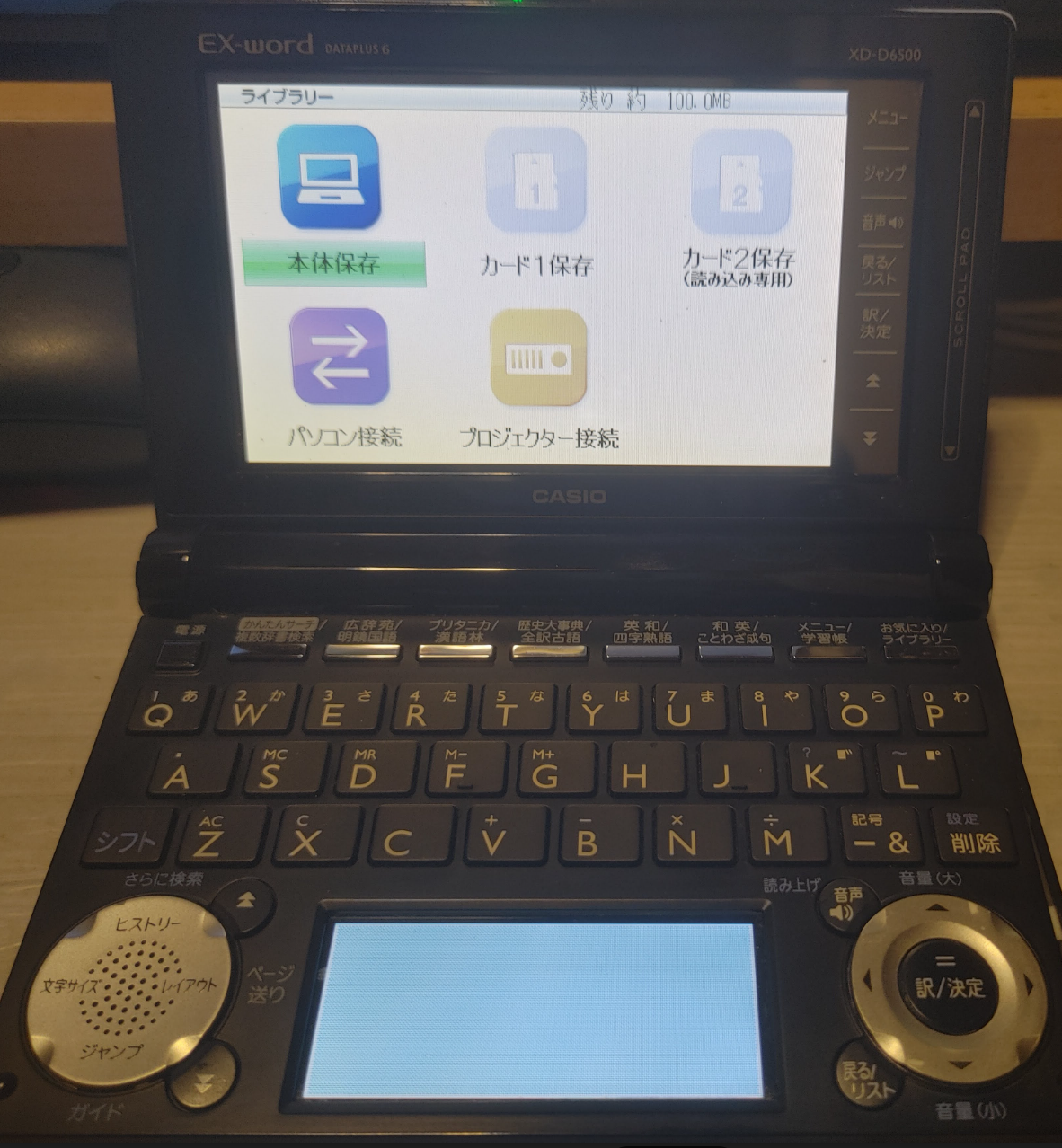
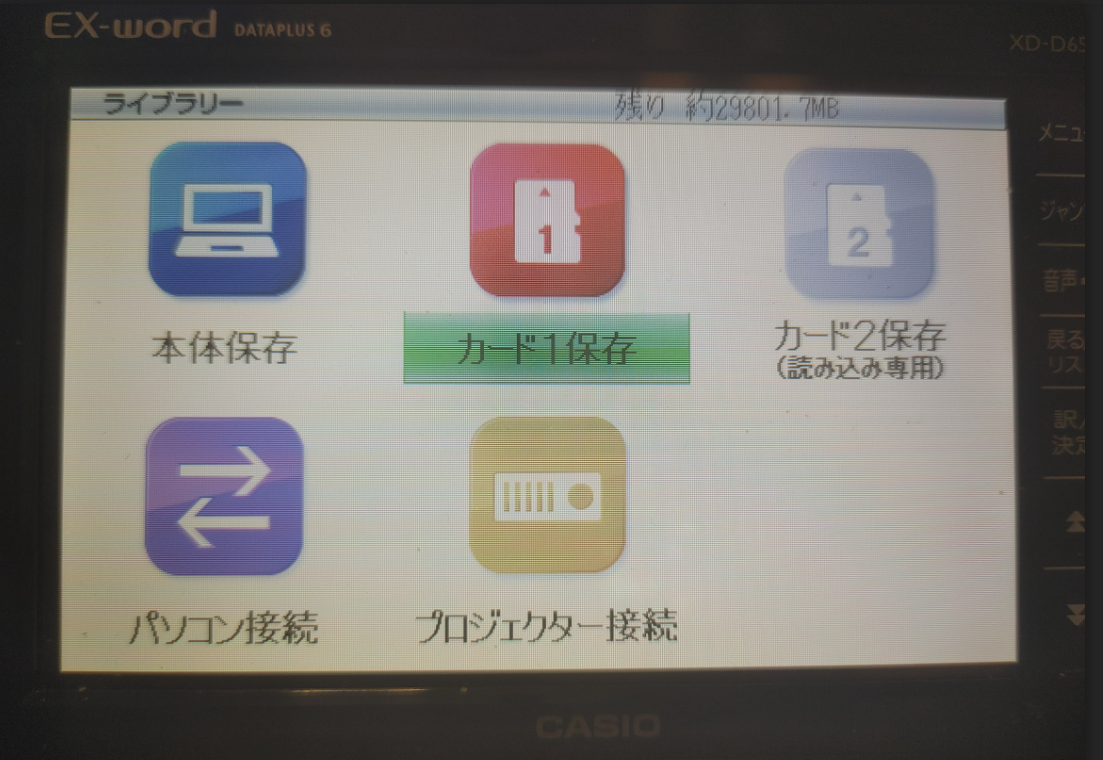
まずは、EX-Word側の1番側スロットにSdカード入れておきます。
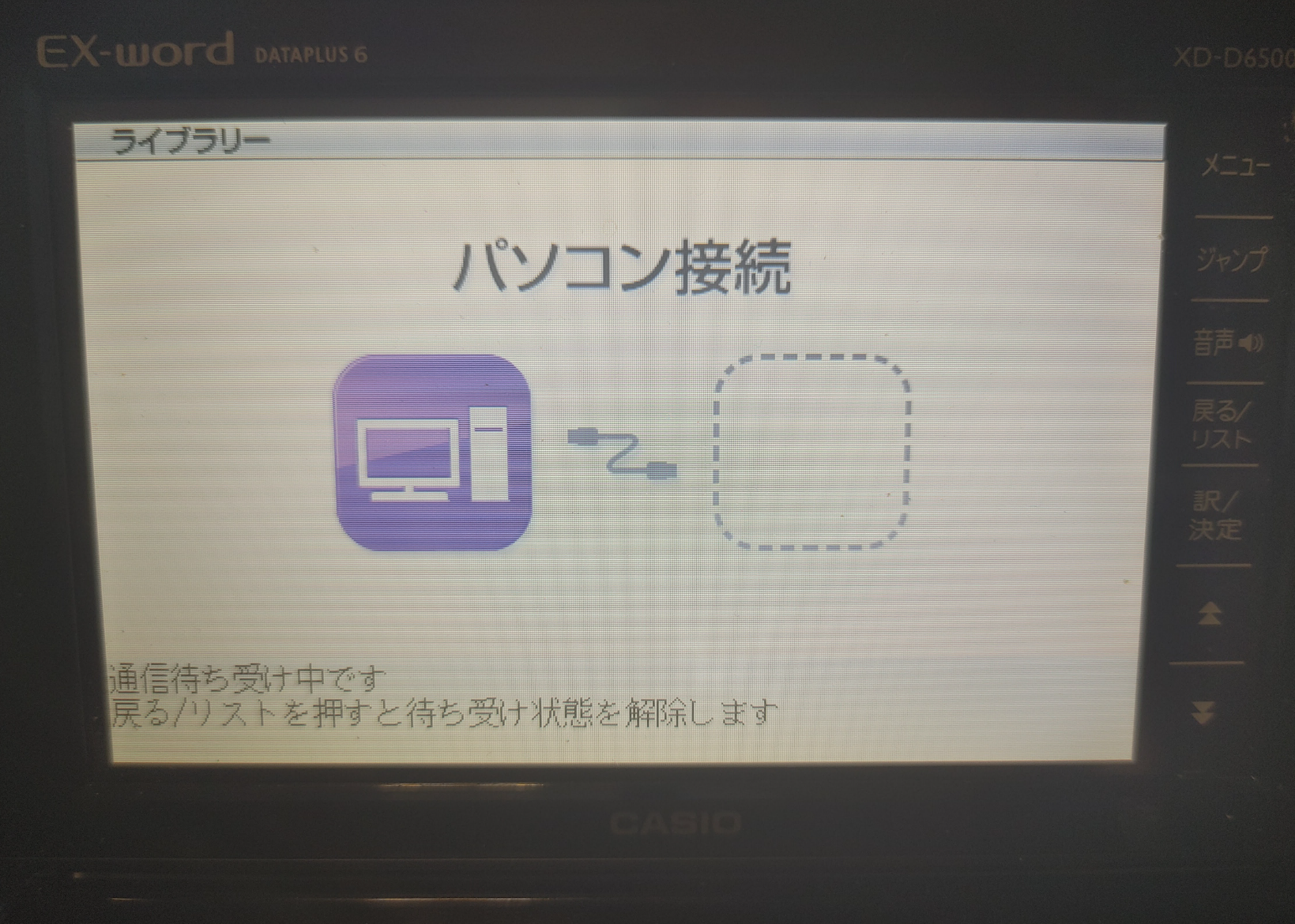
・電源を入れて、ライブラリーボタン -> ライブラリー ボタン -> パソコン接続を起動します。
・Brain側のUSBホストアダプタと、EX wordをUSBケーブルで接続します。
・USBケーブルで接続すると、Brain側では、Ex wordをusbデバイスとして認識します。
$ lsusb Bus 001 Device 007: ID 07cf:6101 Casio Computer Co., Ltd fx-9750gII
user@brain:~/libexword/libexword$ lsusb
Bus 001 Device 006: ID 0b95:772b ASIX Electronics Corp. AX88772B
Bus 001 Device 005: ID 1997:2433 Shenzhen Riitek Technology Co., Ltd wireless mini keyboard with touchpad
Bus 001 Device 004: ID 413c:301a Dell Computer Corp. Dell MS116 Optical Mouse
Bus 001 Device 007: ID 07cf:6101 Casio Computer Co., Ltd fx-9750gII
Bus 001 Device 002: ID 05e3:0610 Genesys Logic, Inc. Hub
Bus 001 Device 001: ID 1d6b:0002 Linux Foundation 2.0 root hub
user@brain:~/libexword/libexword$ sudo apt show p7zip-full
Package: p7zip-full
Version: 16.02+dfsg-8
Priority: optional
Section: utils
Source: p7zip
Maintainer: Robert Luberda <robert@debian.org>
Installed-Size: 3,932 kB
Depends: p7zip (= 16.02+dfsg-8), libc6 (>= 2.7), libgcc-s1 (>= 3.5), libstdc++6 (>= 5)
Suggests: p7zip-rar
Breaks: p7zip (<< 15.09+dfsg-3~)
Replaces: p7zip (<< 15.09+dfsg-3~)
Homepage: http://p7zip.sourceforge.net/
Tag: admin::file-distribution, implemented-in::c++, interface::commandline,
 role::program, scope::utility, use::checking, use::compressing,
 works-with-format::tar, works-with-format::zip, works-with::archive,
 works-with::file
Download-Size: 931 kB
APT-Sources: http://archive.debian.org/debian bullseye/main armel Packages
Description: 7z and 7za file archivers with high compression ratio
 p7zip is the Unix command-line port of 7-Zip, a file archiver that
 handles the 7z format which features very high compression ratios.
 .
 p7zip-full provides utilities to pack and unpack 7z archives within
 a shell or using a GUI (such as Ark, File Roller or Nautilus).
 .
 Installing p7zip-full allows File Roller to use the very efficient 7z
 compression format for packing and unpacking files and directories.
 Additionally, it provides the 7z and 7za commands.
 .
 List of supported formats:
   - Packing / unpacking: 7z, ZIP, GZIP, BZIP2, XZ and TAR
   - Unpacking only: APM, ARJ, CAB, CHM, CPIO, CramFS, DEB, DMG, FAT,
     HFS, ISO, LZH, LZMA, LZMA2, MBR, MSI, MSLZ, NSIS, NTFS, RAR (only
     if non-free p7zip-rar package is installed), RPM, SquashFS, UDF,
     VHD, WIM, XAR and Z.
 .
 The dependent package, p7zip, provides 7zr, a light version of 7za,
 and p7zip, a gzip-like wrapper around 7zr.


user@brain:~/libexword/libexword$ sudo apt install p7zip-full
Reading package lists... Done
Building dependency tree... Done
Reading state information... Done
The following additional packages will be installed:
  p7zip
Suggested packages:
  p7zip-rar
The following NEW packages will be installed:
  p7zip p7zip-full
0 upgraded, 2 newly installed, 0 to remove and 2 not upgraded.
Need to get 1,240 kB of archives.
After this operation, 4,753 kB of additional disk space will be used.
Do you want to continue? [Y/n] Y
Get:1 http://archive.debian.org/debian bullseye/main armel p7zip armel 16.02+dfsg-8 [309 kB]
Get:2 http://archive.debian.org/debian bullseye/main armel p7zip-full armel 16.02+dfsg-8 [931 kB]
Fetched 1,240 kB in 3s (439 kB/s)
Selecting previously unselected package p7zip.
(Reading database ... 60037 files and directories currently installed.)
Preparing to unpack .../p7zip_16.02+dfsg-8_armel.deb ...
Unpacking p7zip (16.02+dfsg-8) ...
Selecting previously unselected package p7zip-full.
Preparing to unpack .../p7zip-full_16.02+dfsg-8_armel.deb ...
Unpacking p7zip-full (16.02+dfsg-8) ...
Setting up p7zip (16.02+dfsg-8) ...
Setting up p7zip-full (16.02+dfsg-8) ...
Processing triggers for man-db (2.9.4-2) ...
user@brain:~/libexword/libexword$
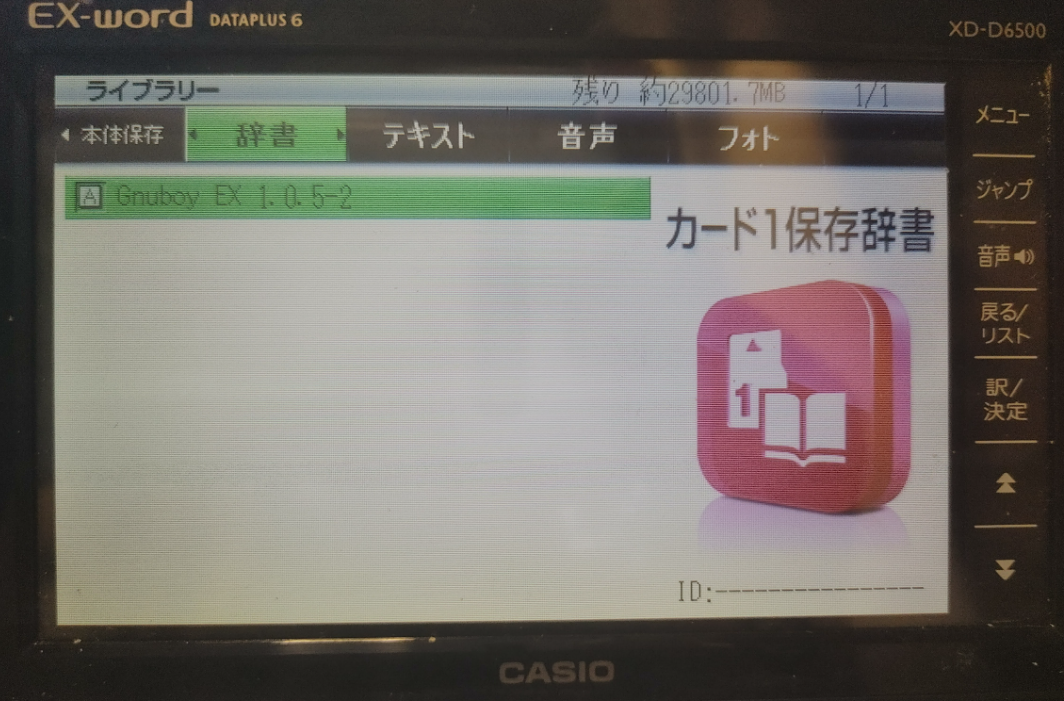
設定ファイルの作成と、ダウンロードした”GNUBY.7z”を解凍します。
$ cd /home/user/libexword/
#GNUBOYの定義ファイルを用意します。 vi /home/user/libexword/gnuboy.rc
set romdir \\\\drv0\\  # Where to place the ROM
set savedir \\\\drv0\\  # Where to place the save data
# set skin \\\\drv0\\zelda.gra  # Which skin to load
set sprsort 0  # Improve performance
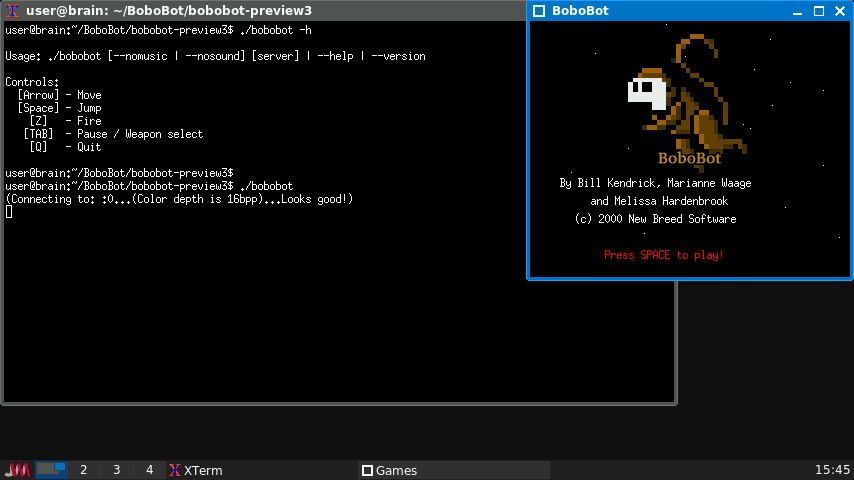
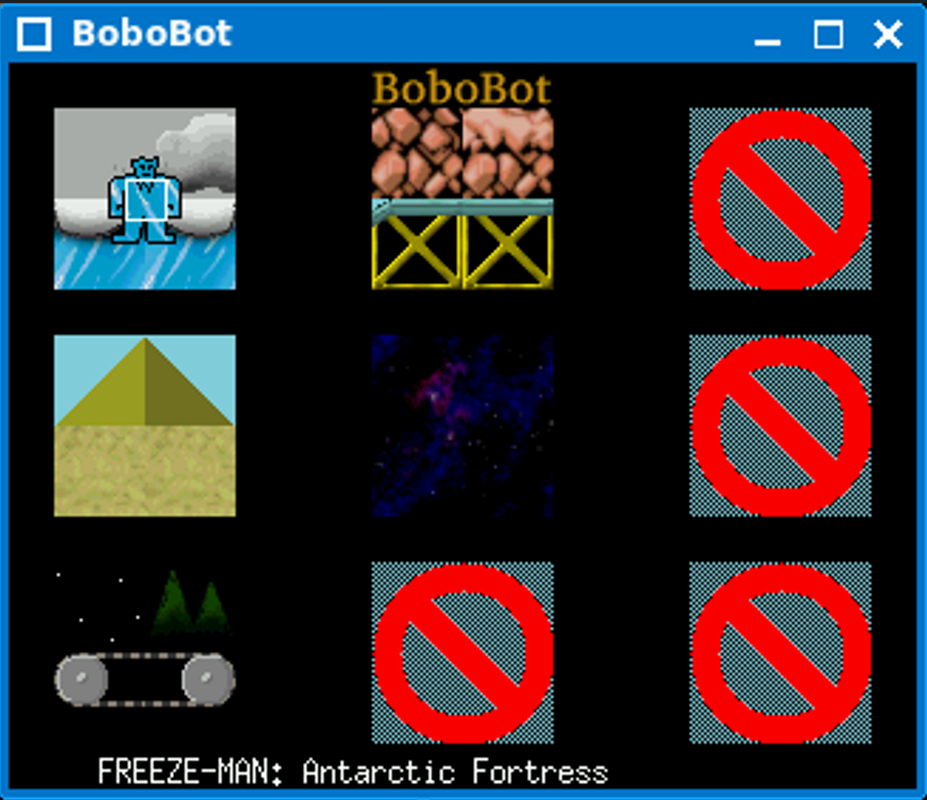
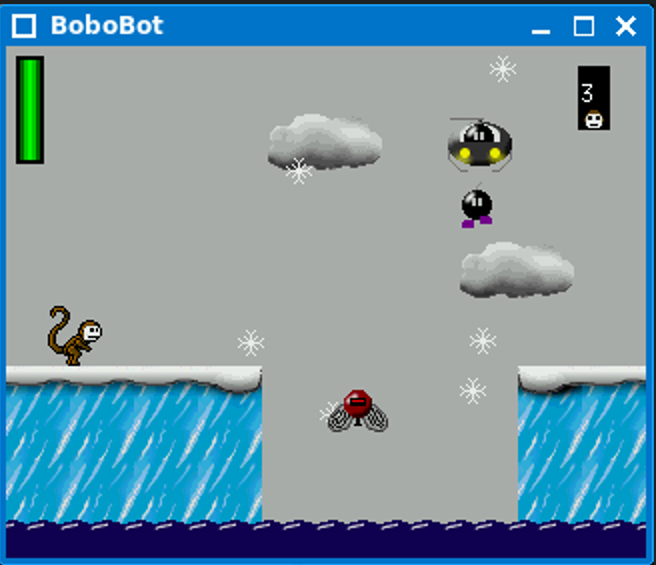
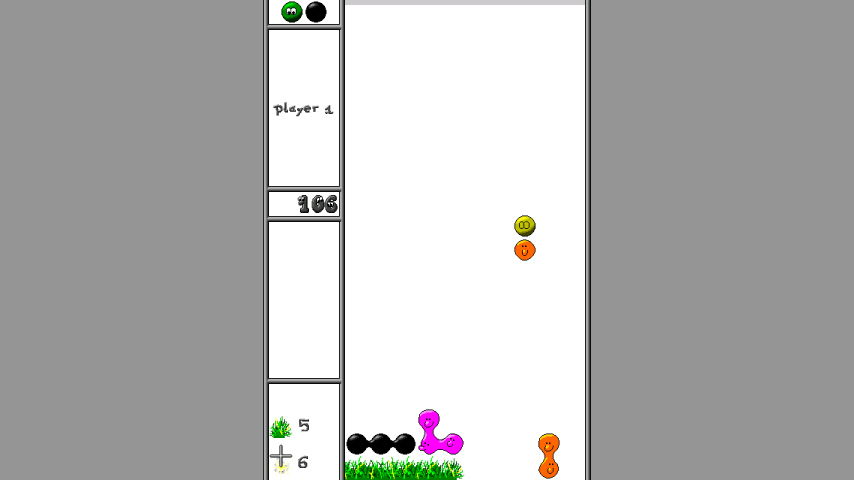
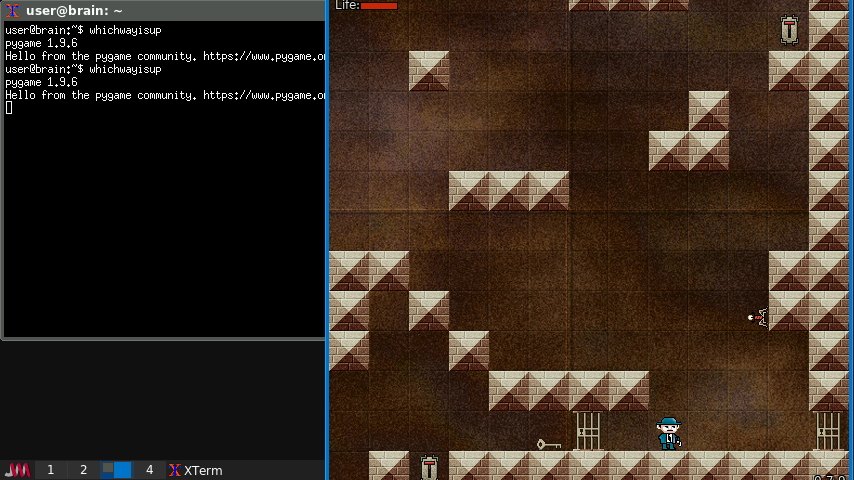
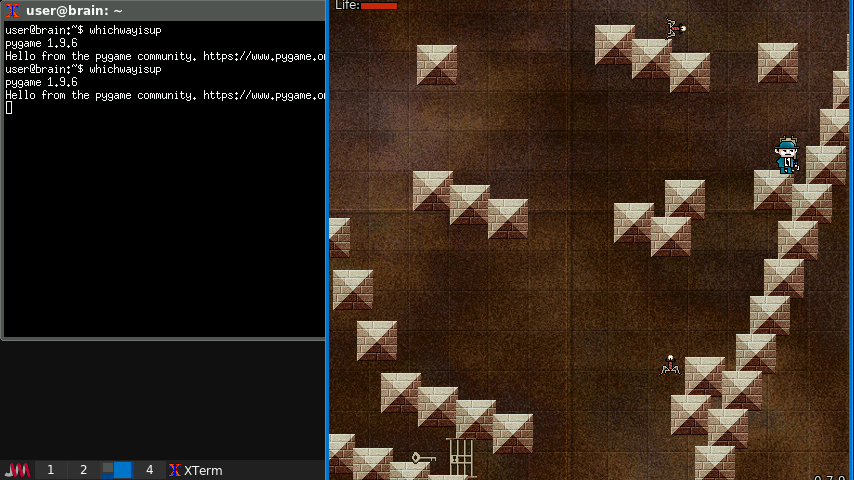
ぶっちゃけロックマンです。 カーソルの左右で移動、SPC or 上でジャンプします。 Zで弾を打ちます(TABでポーズ&武器選択)
インストール:ソースを入手してインストール
$ cd $ mkdir BoboBot $ cd BoboBot $ wget https://tuxpaint.org/ftp/unix/x/bobobot/src/bobobot-preview3.tar.gz $ tar zxf bobobot-preview3.tar.gz $ cd bobobot-preview3 $ make
デフォルトのインストール先=ビルドしているカレントフォルダのようで、 make 実行時の最後にエラーになりますが、実行時フォルダの下に bobobot ファイルが作成されていて実行属性がついていれば,OKです。
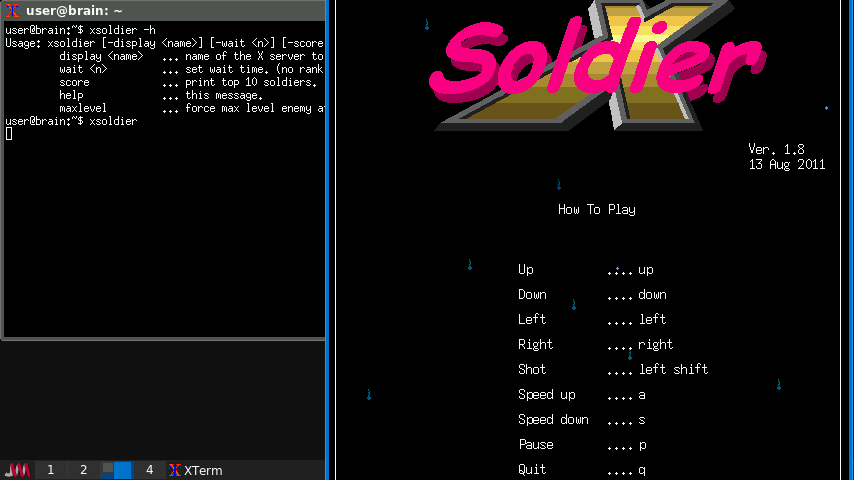
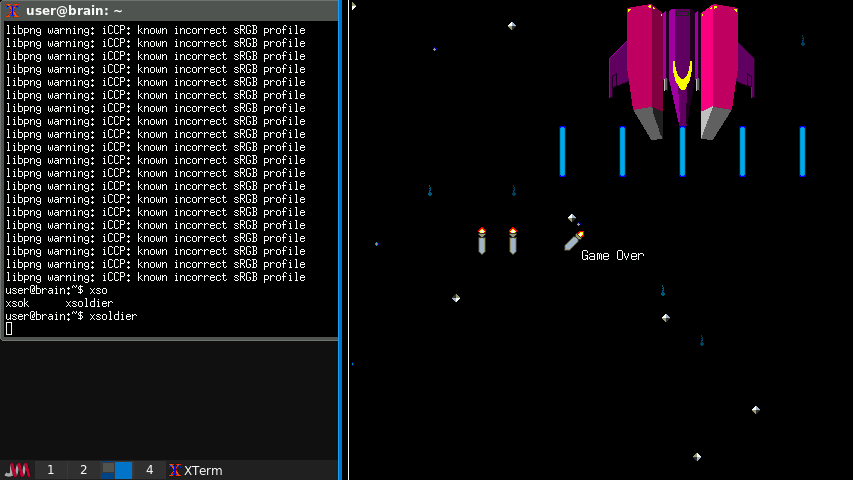
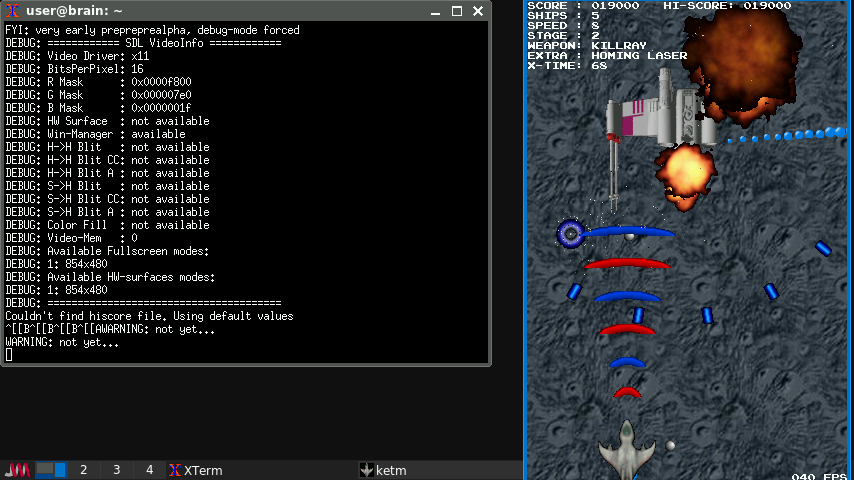
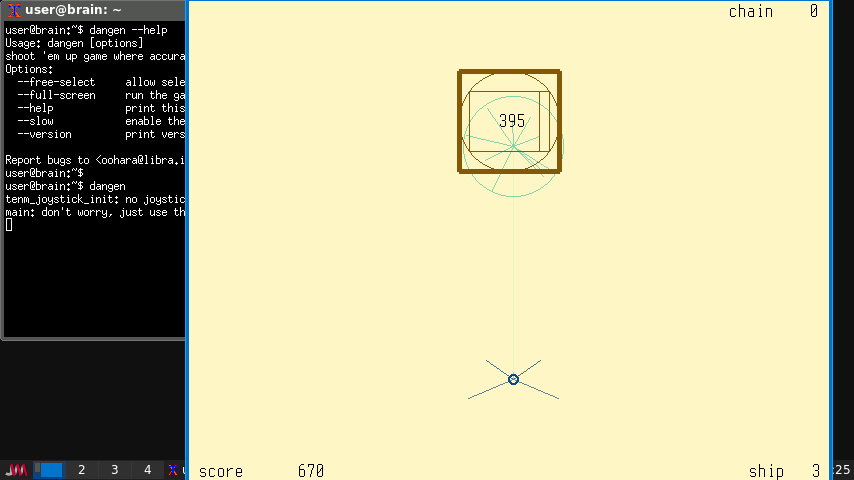
Game controls:(キー操作の他にジョイパッドも対応しているようです。) Up/Down Move up/down Left/Right Face/move left/right Space/FireB Fire lasers Alt/FireA Detonate Smart Bomb 1/FireC Thrust 2/FireD Reverse P/Tab Pause/Unpause Escape Abort game
インストール:ソースを入手してインストール (ビルド時に最適化オプションを追加しています。)
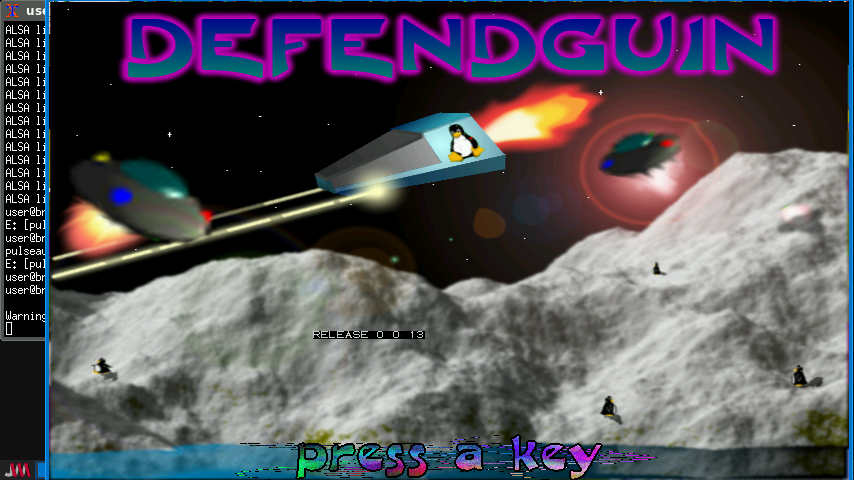
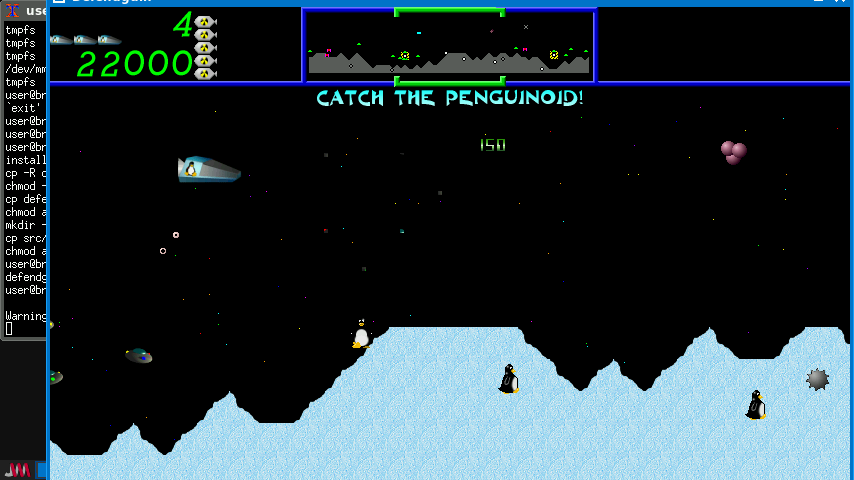
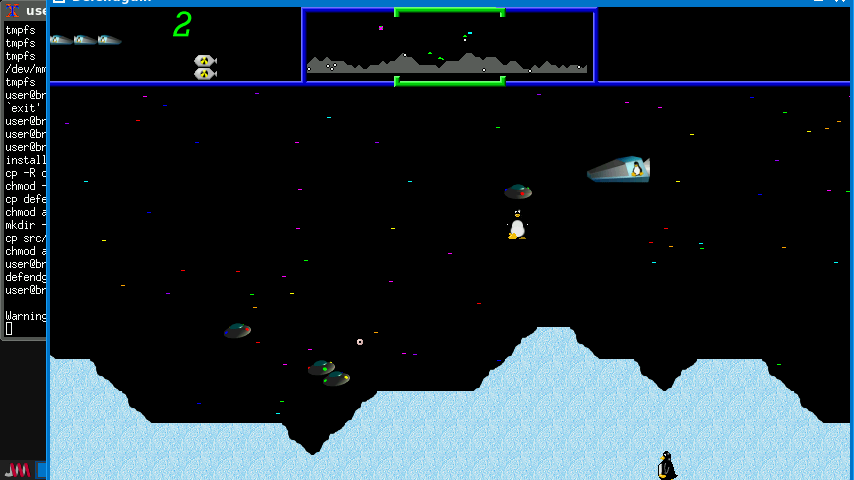
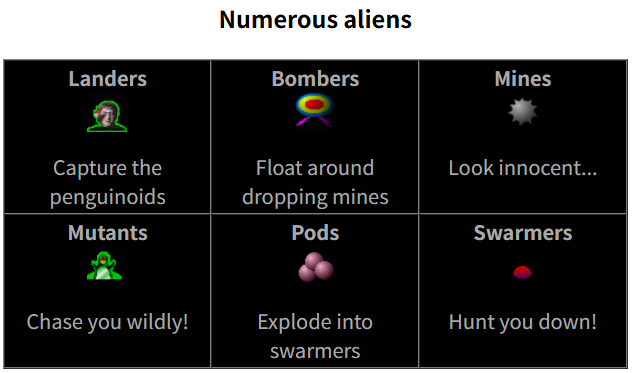
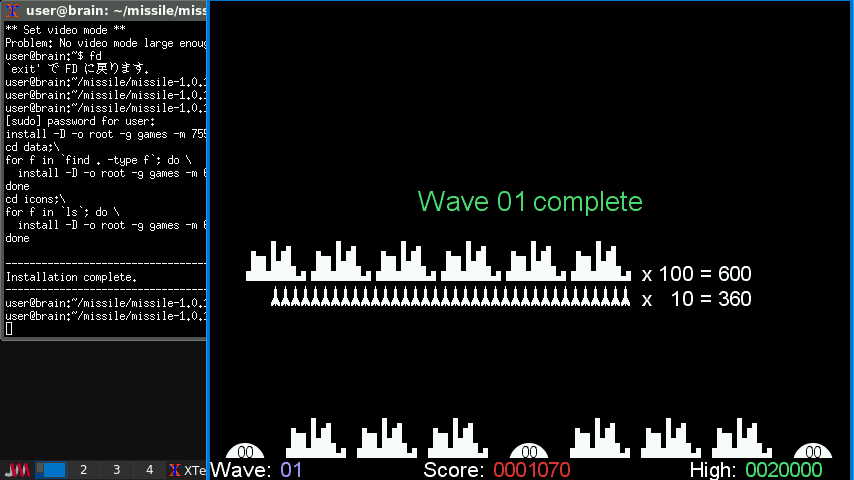
$ cd $ mkdir Defendguin $ cd Defendguin $ wget https://tuxpaint.org/ftp/unix/x/defendguin/src/defendguin-0.0.13.tar.gz $ tar zxf defendguin-0.0.13.tar.gz $ cd defendguin-0.0.13
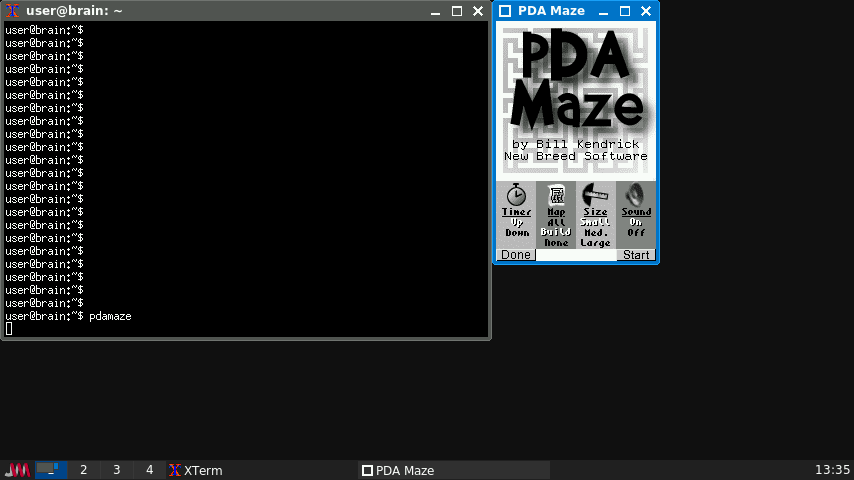
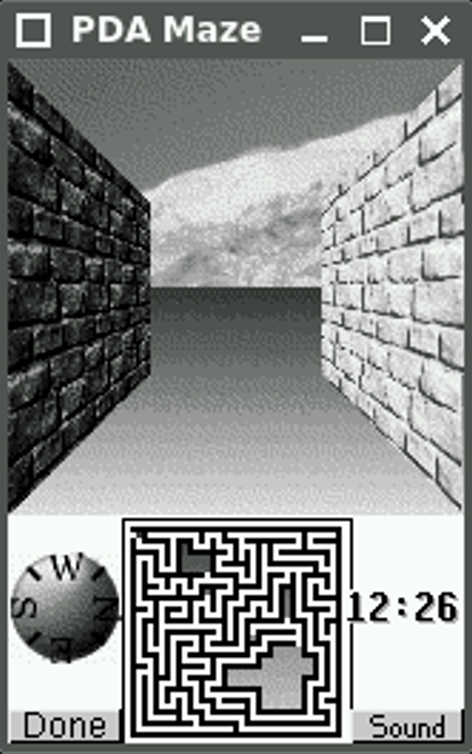
$ cd $ mkdir pdamaze $ cd pdamaze $ wget https://tuxpaint.org/ftp/unix/agenda/pdamaze/src/pdamaze-2001.10.05.tar.gz $ tar zxf pdamaze-2001.10.05.tar.gz $ cd pdamaze-2001.10.05
// insert into music list std::pair<std::map<std::string, MusicResource>::iterator, bool> result = musics.insert( std::make_pair<std::string, MusicResource> (file, MusicResource())); ↓ // insert into music list std::pair<std::map<std::string, MusicResource>::iterator, bool> result = musics.insert( std::make_pair(file, MusicResource()));
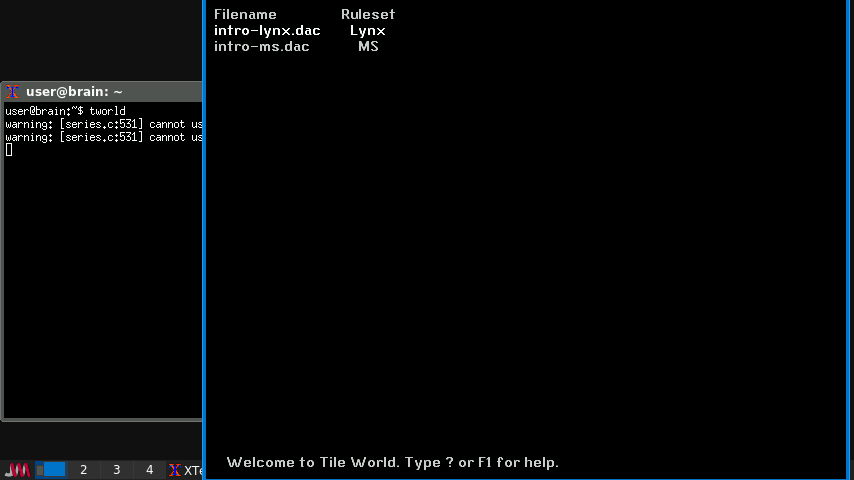
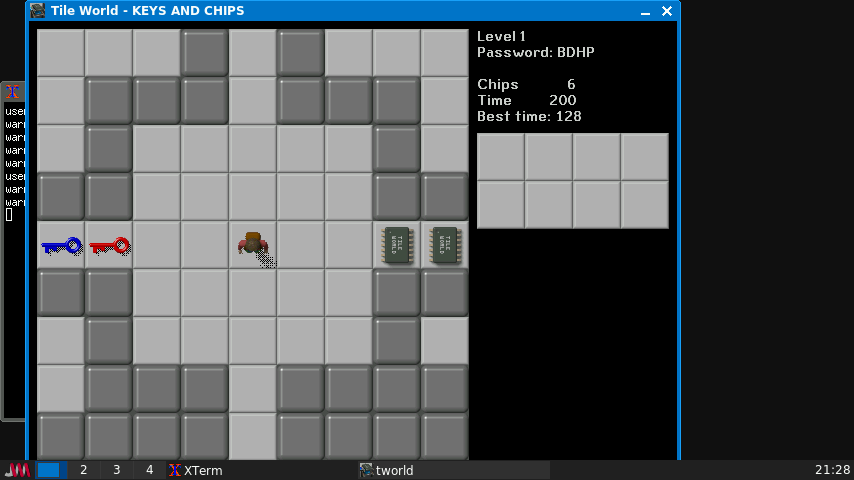
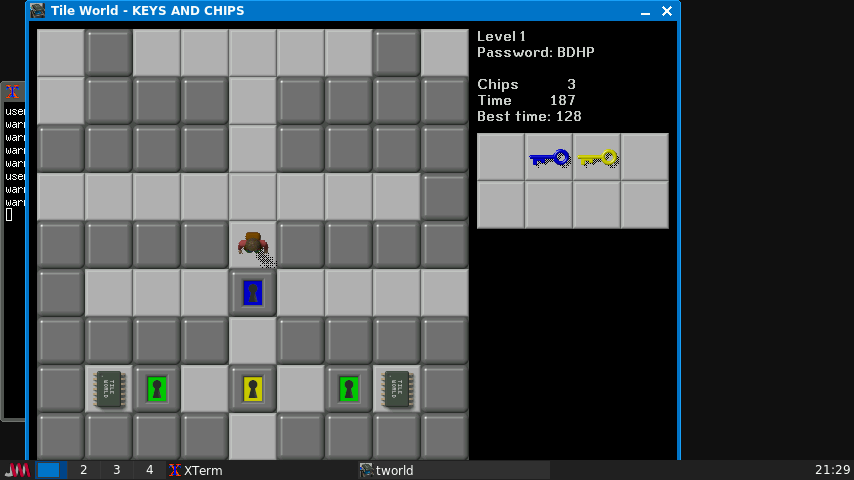
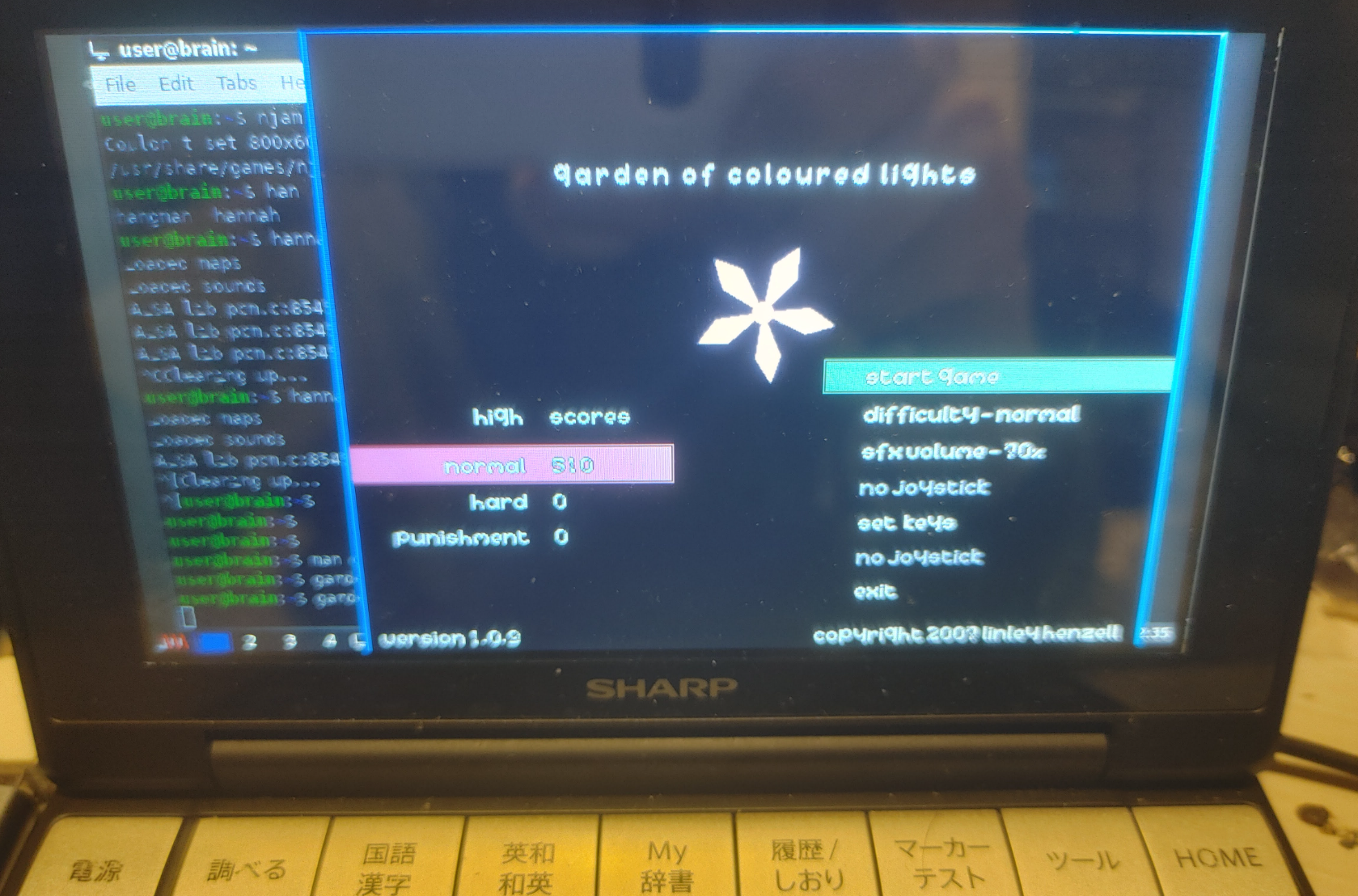
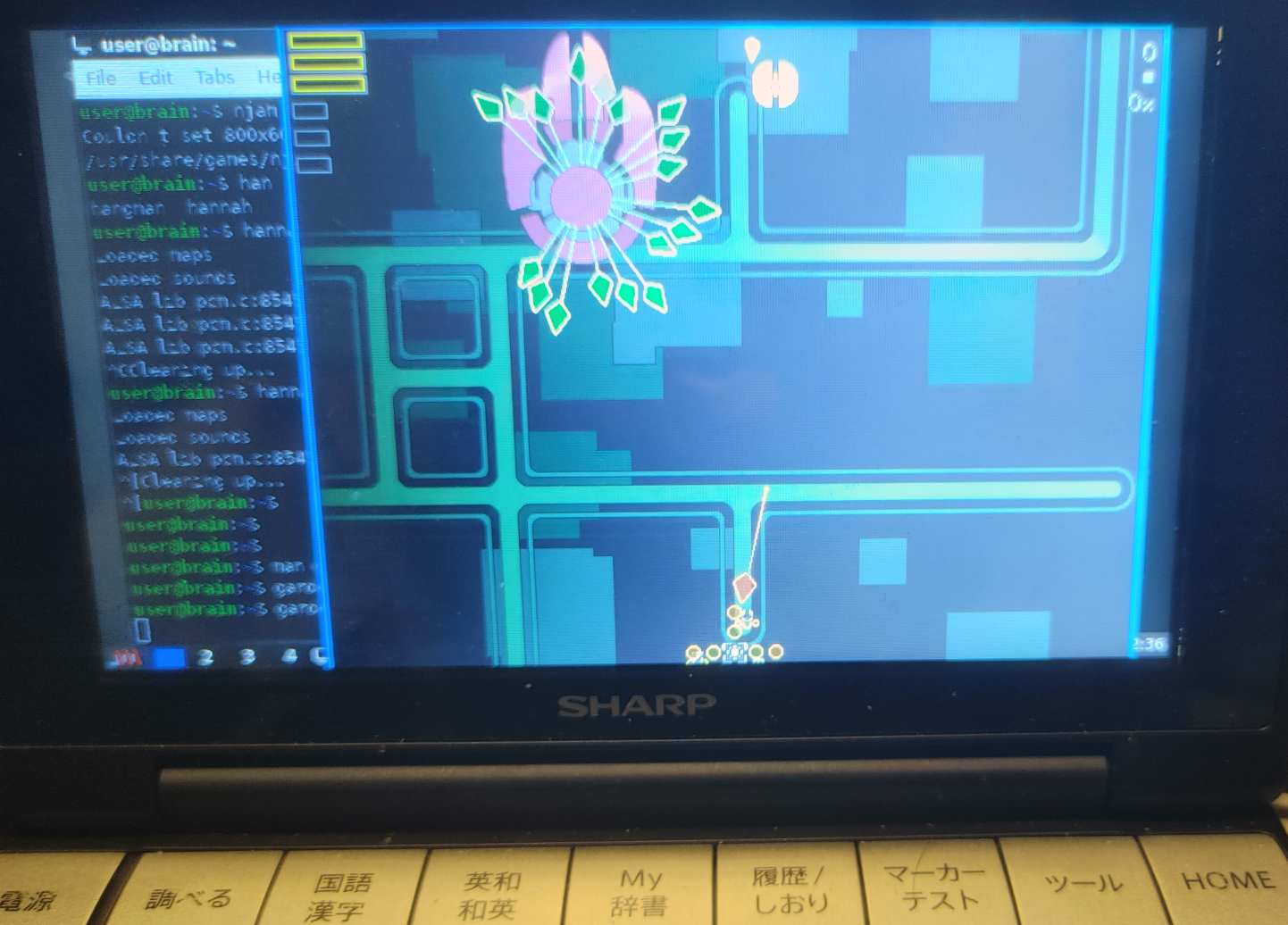
Tile World は “Chip’s Challenge” ゲームのエミュレーションです。 “Chip’s Challenge” はオリジナルは Atari Lynx 用に Chunk Sommerville により作成され、後に (他の移植に加え) Microsoft により MS Windows に移植されました。
注意: Tile World はゲームエンジンのみの移植です。オリジナルのレベルセットに 含まれる chips.dat ファイルは含まれません。このファイルには著作権があり、 フリーで配布できません。chips.dat ファイルは元々は “Chip’s Challenge’ の MS 版の 一部です。個のバージョンのゲームのコピーを持っているならば、Tile World で ゲームを楽しむためにファイルを利用できます。だけども、このファイルのコピーを持って いなくても、CCLP2 を含むオリジナルのゲームのファンにより作成された多くのフリーで 利用可能なレベルセットを使って Tile World を楽しめます。 Microsoft がリリースしたバージョンはゲームのルールに多くの変更点を加えていますので、 Tile World は MS 版もオリジナルの Atari Lynx 版のどちらもエミュレートできます。
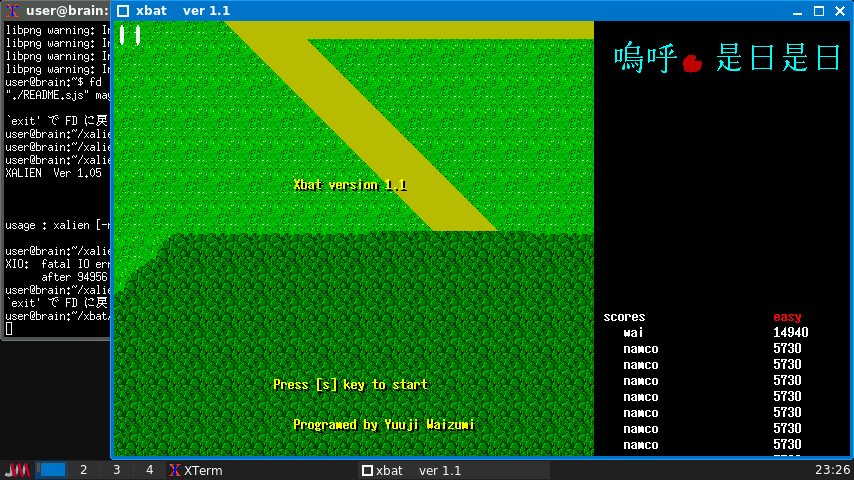
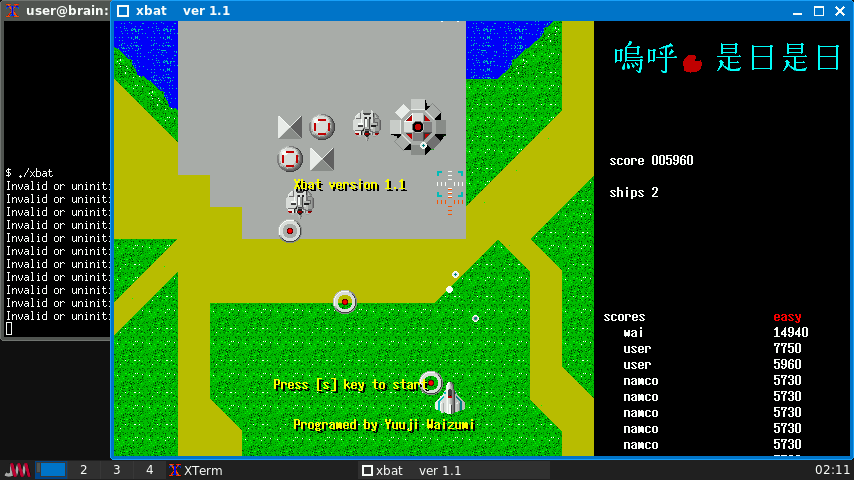
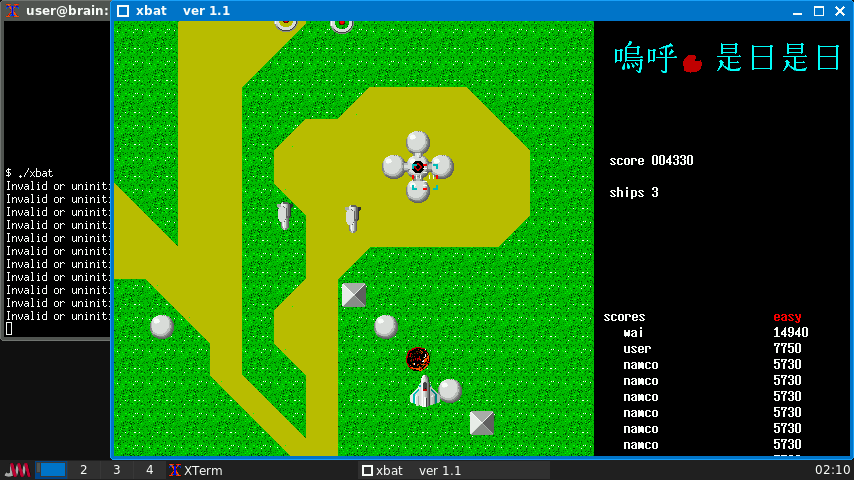
ソースを変更したら、再度make xbatしてください。 実行に問題なくなったら、sudo make installでインストールです。
なお、参考までにエラーがあったときは以下のように調査します。 (不具合2の場合)
$ gdb .\xbat (gdb) run
エラーが発生したら、実行がストップします。 バックトレースログを表示するには、以下のように入力します。 (gdb) backtrace #0 0x00408c9c in JikiBomb (i=i@entry=5) at bomb.c:144 #1 0x00402b00 in Explosion (nokori=3) at xev.c:234 #2 0x00403084 in Play () at xev.c:449 #3 0x00401efc in main (argc=, argv=) at xev.c:560
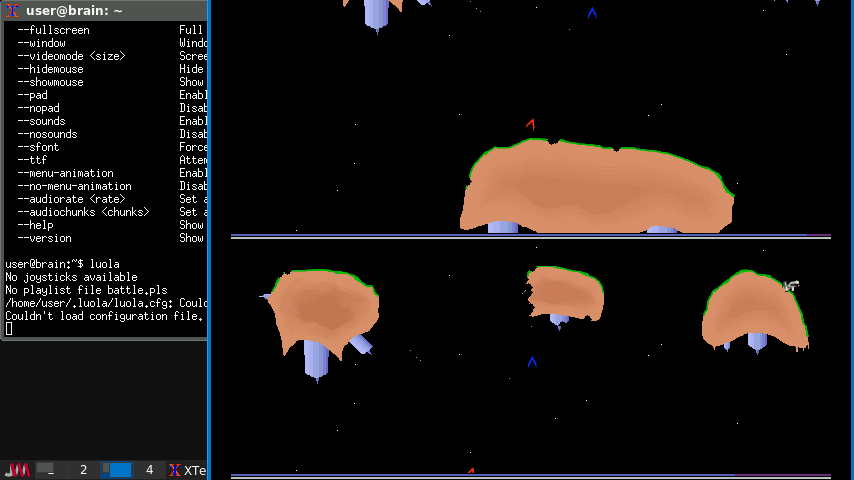
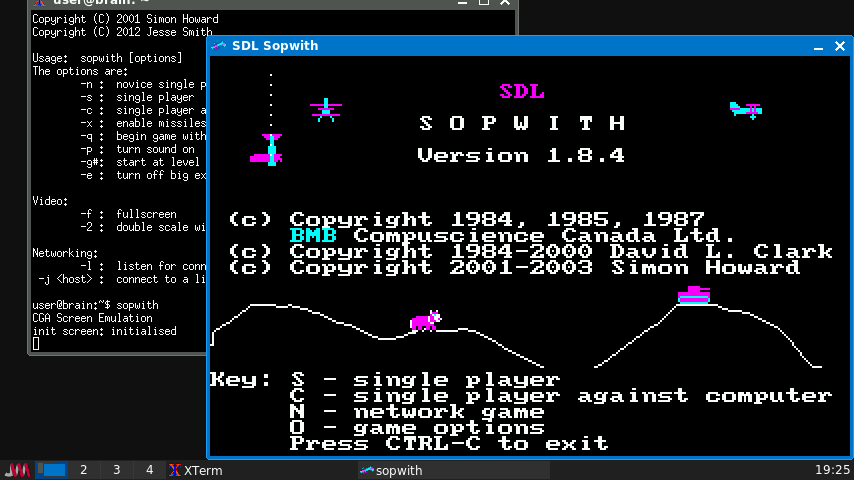
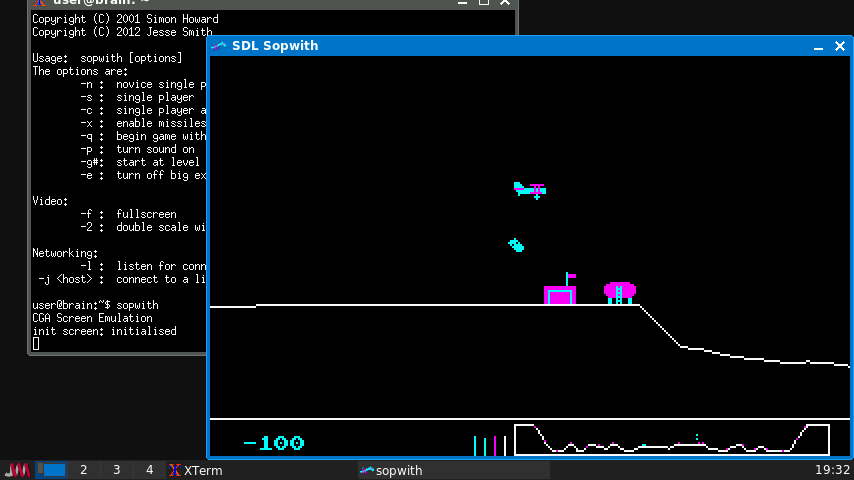
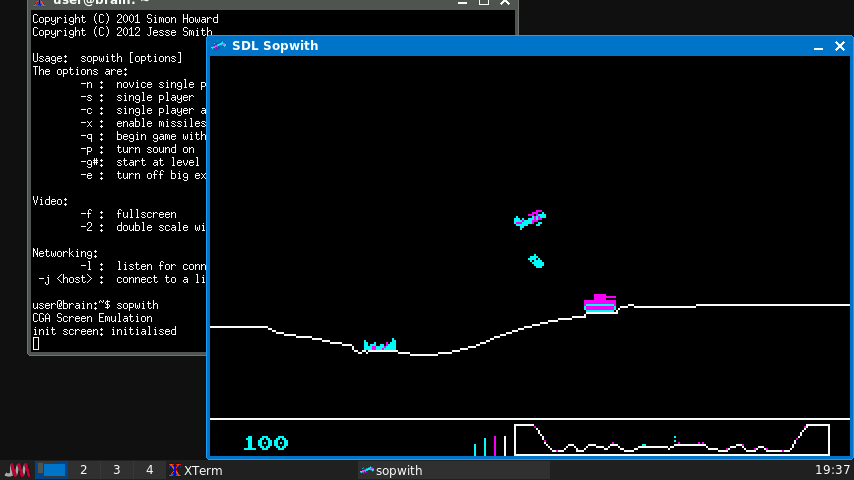
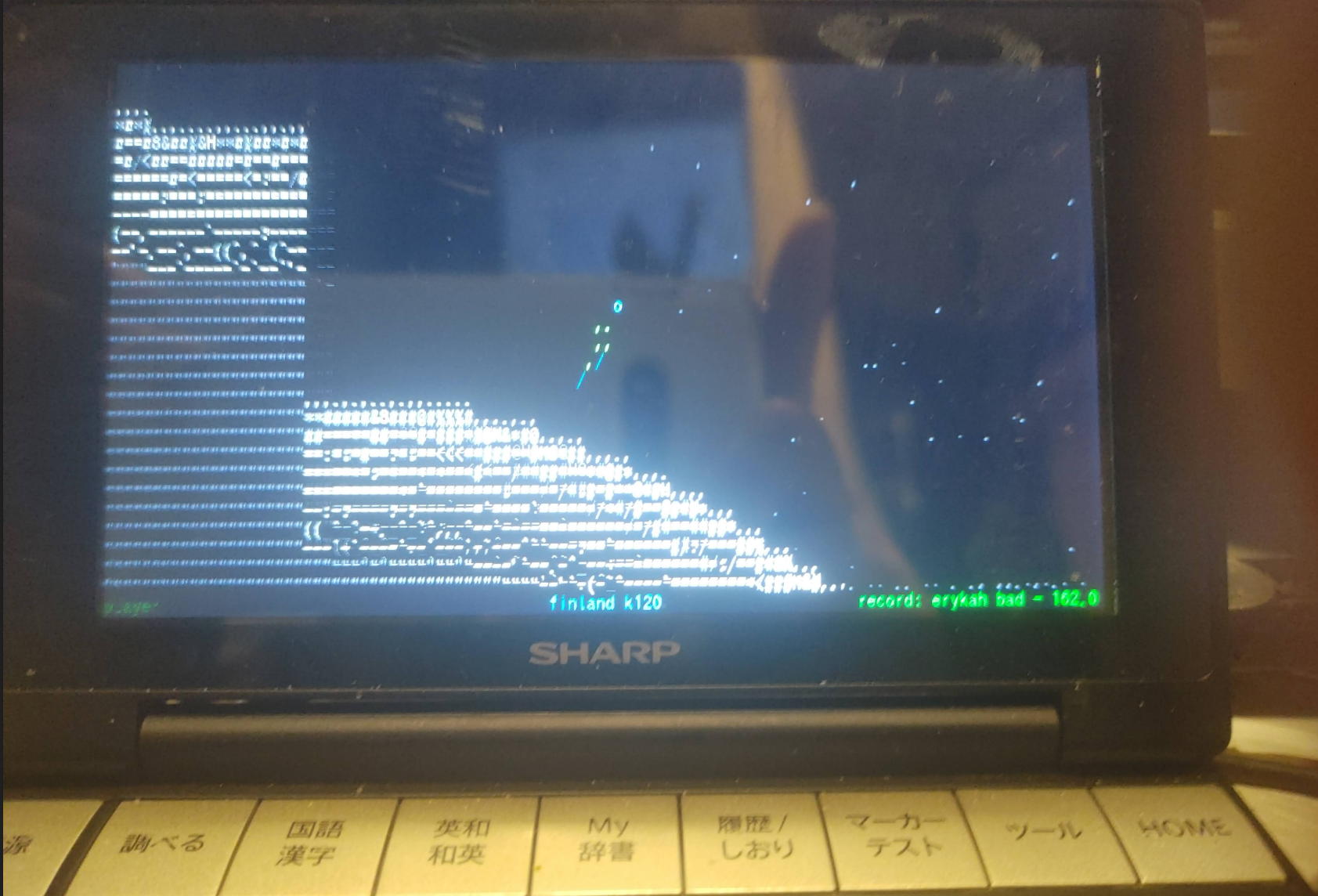
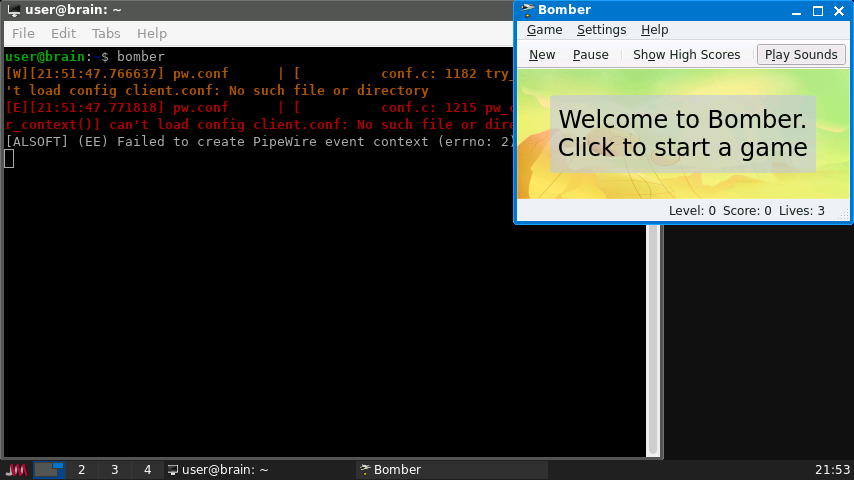
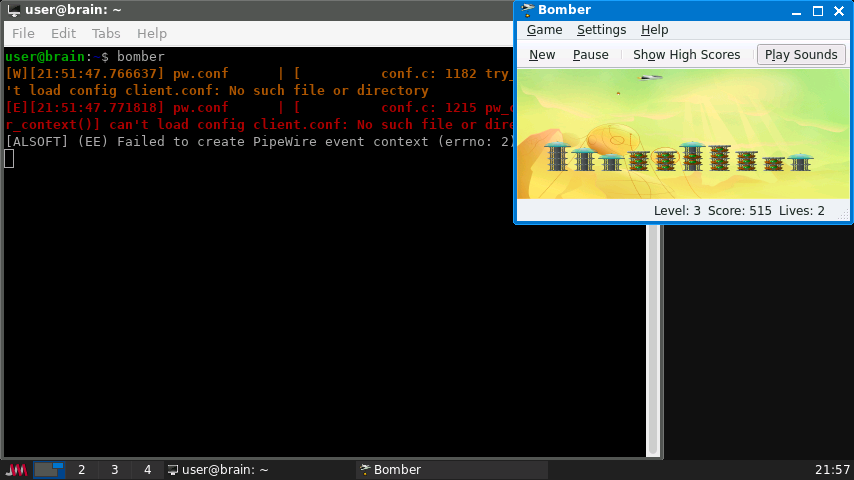
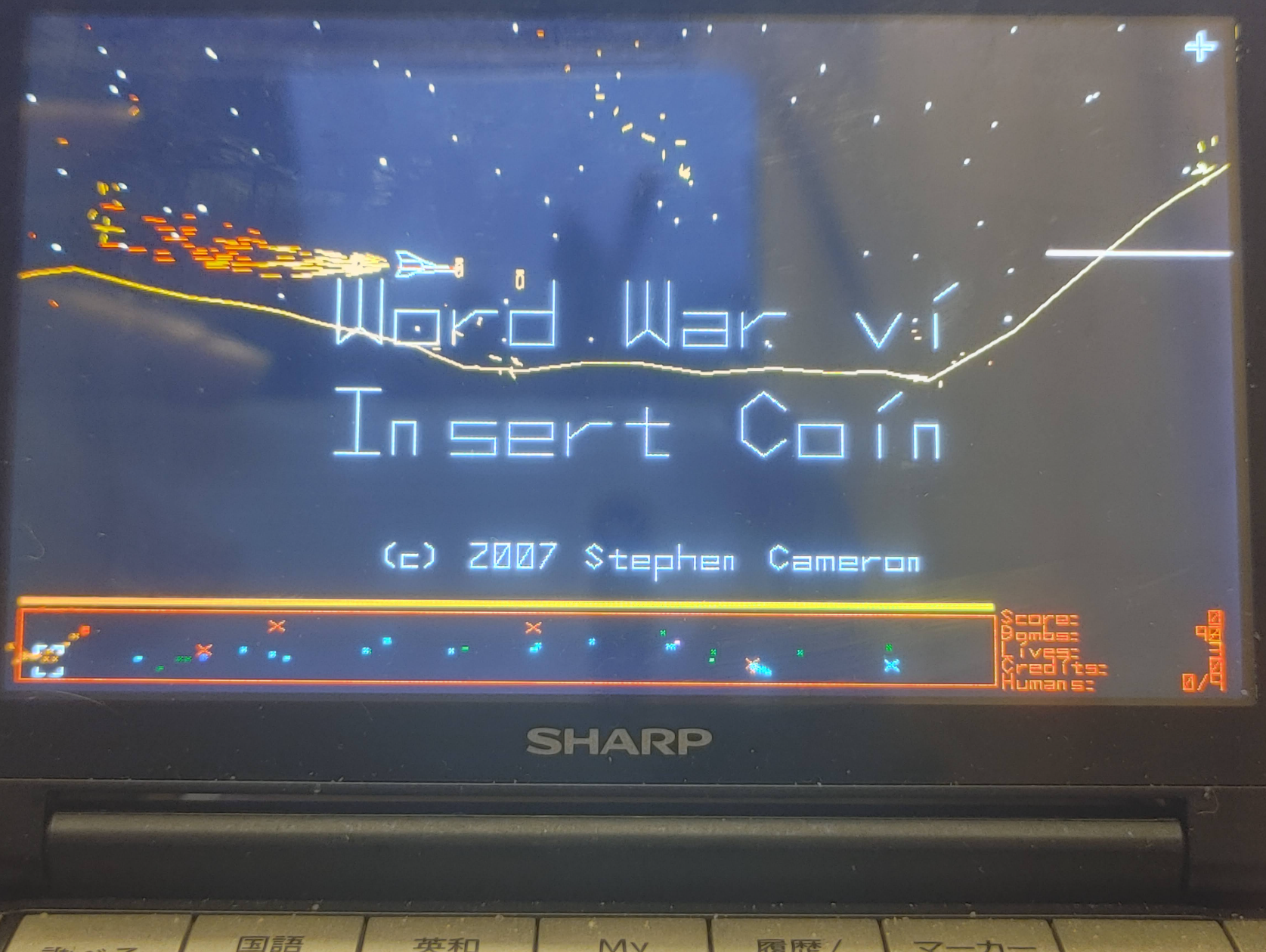
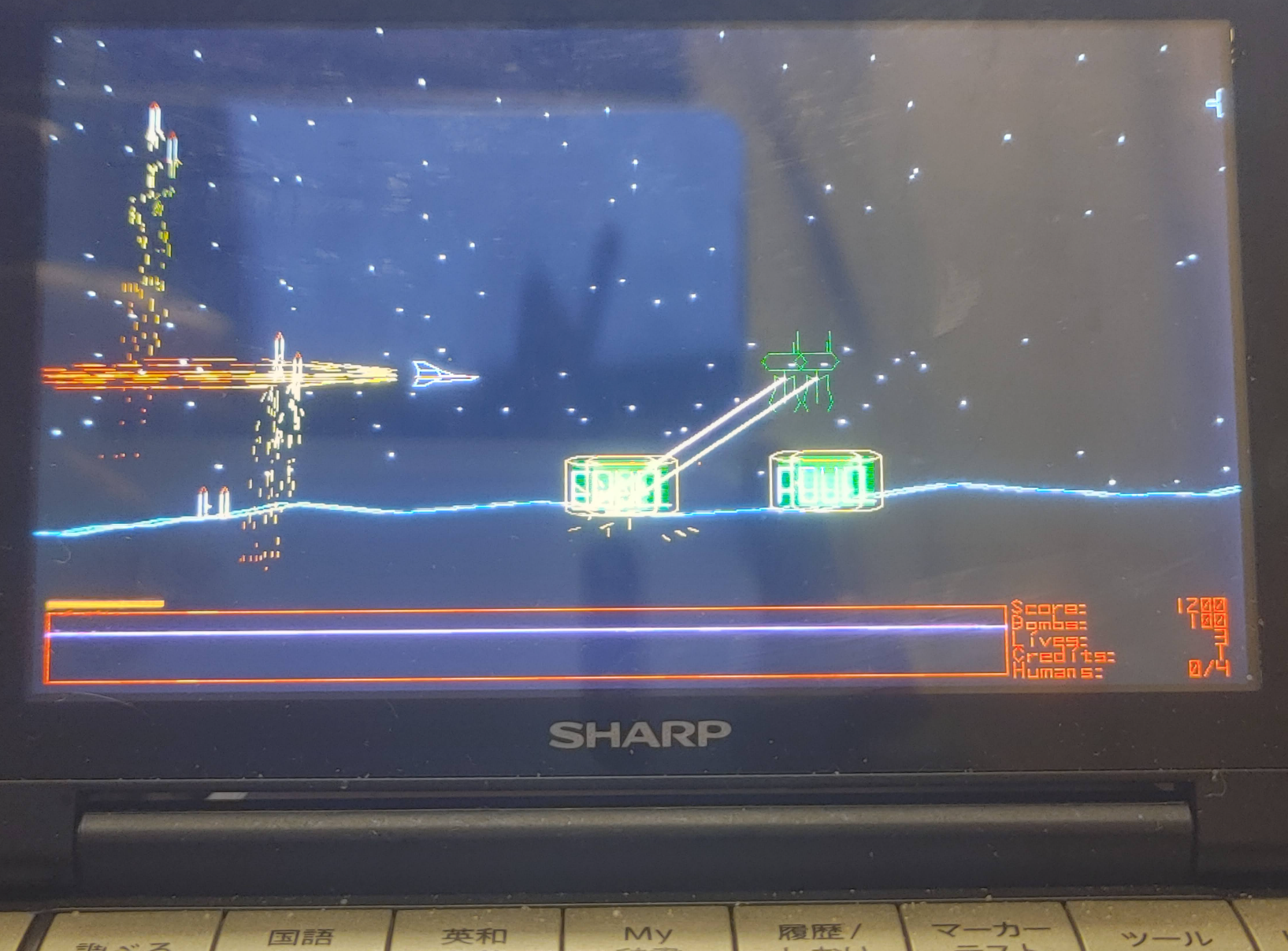
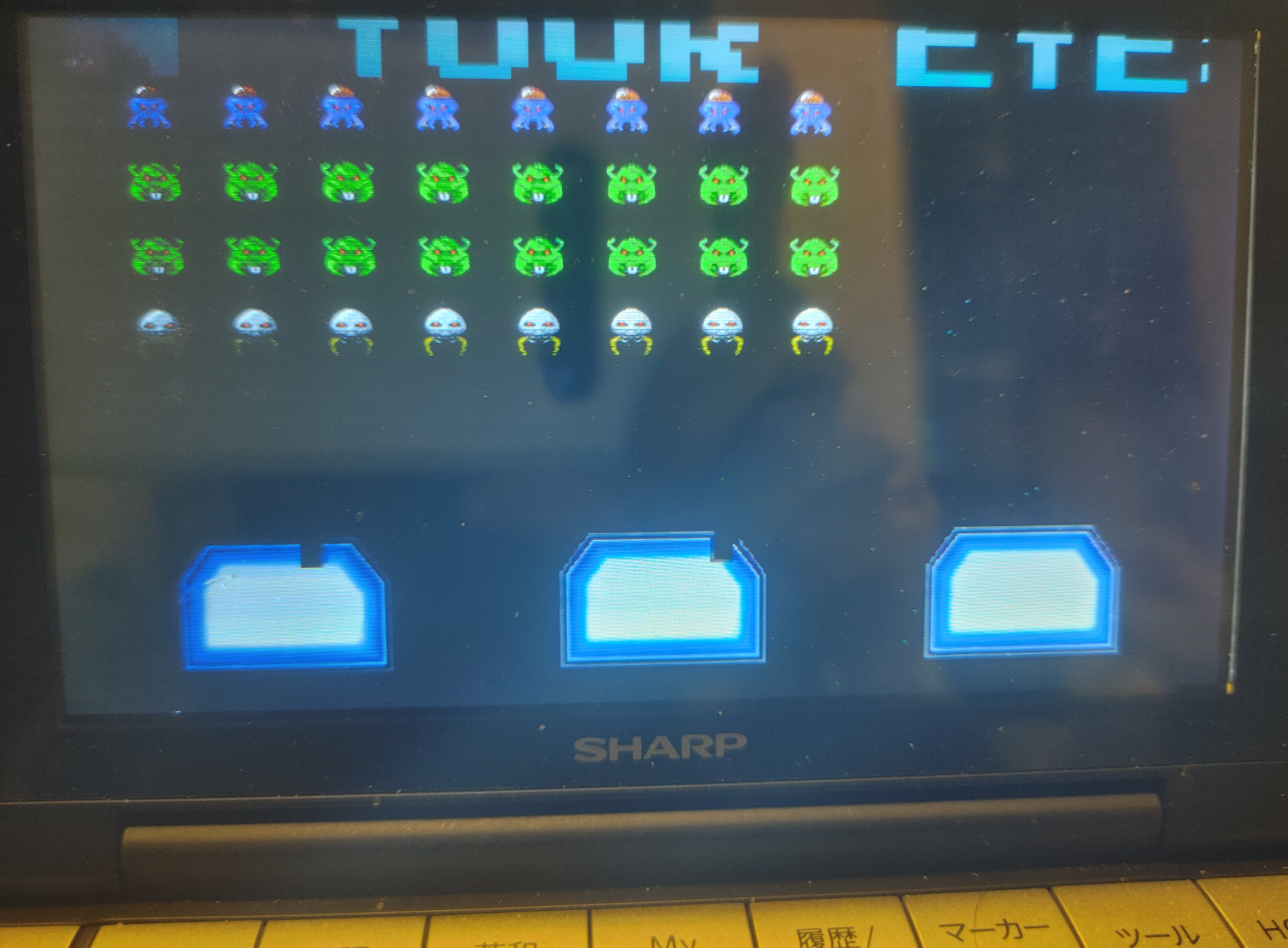
これは、BMB Compuscience CanadaのDavid L. Clark氏が開発した1980年代のゲームのアップデート版です。SDLツールキットを使用して*nix環境で動作するように調整されています。粗いグラフィック、お粗末なAI、そしてひどいサウンドがあなたを待っています。ゲームプレイはシンプルで中毒性があり、楽しいです。「横スクロール」ゲームで、複葉機を操縦して静止したフィールドを横切り、敵の陣地や飛行機を破壊します。
X Error of failed request:  BadName (named color or font does not exist)
  Major opcode of failed request:  45 (X_OpenFont)
  Serial number of failed request:  27
  Current serial number in output stream:  31
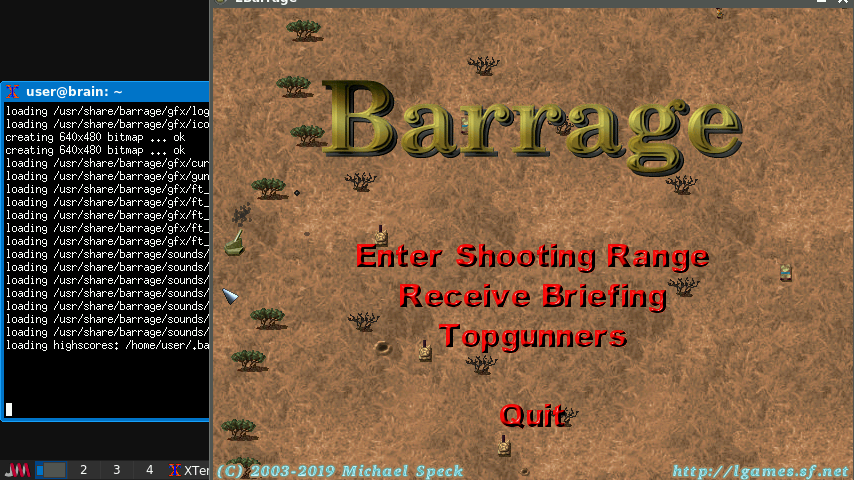
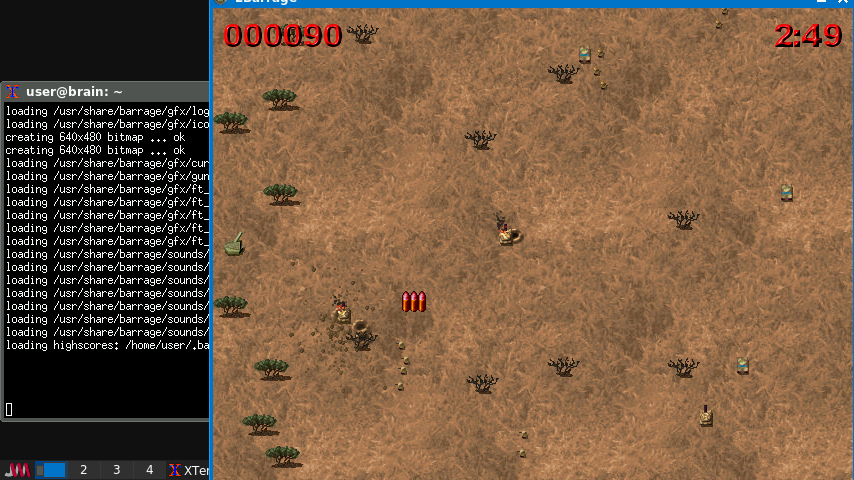
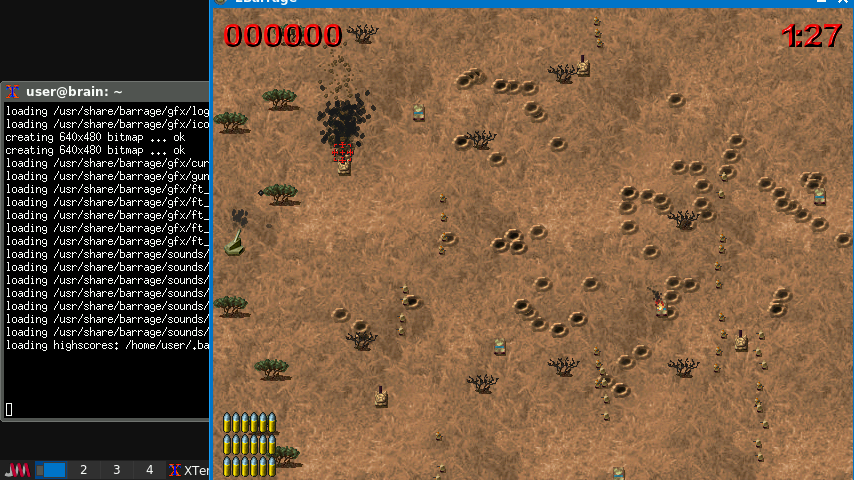
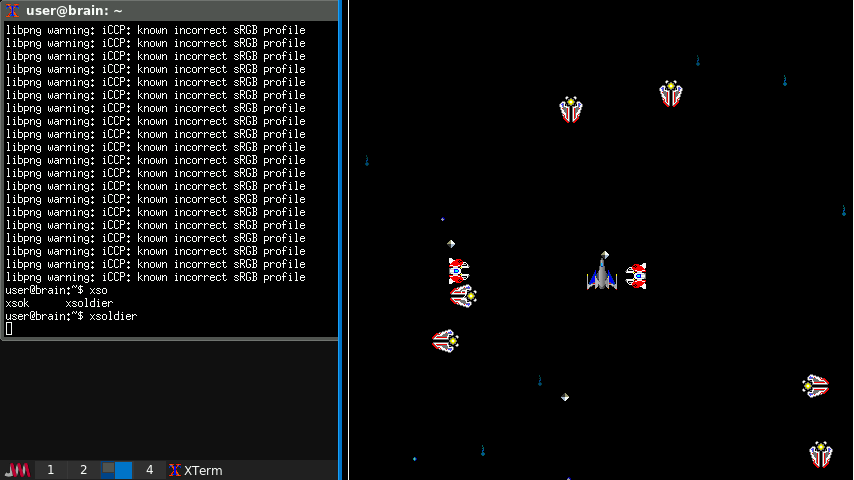
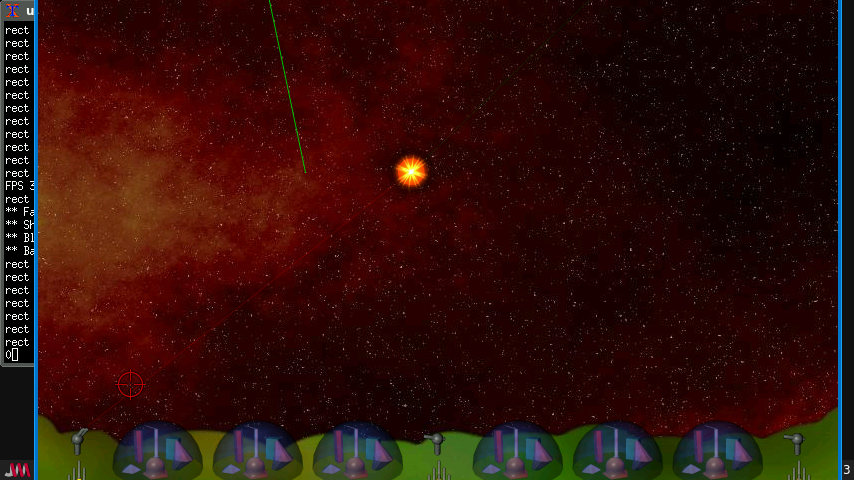
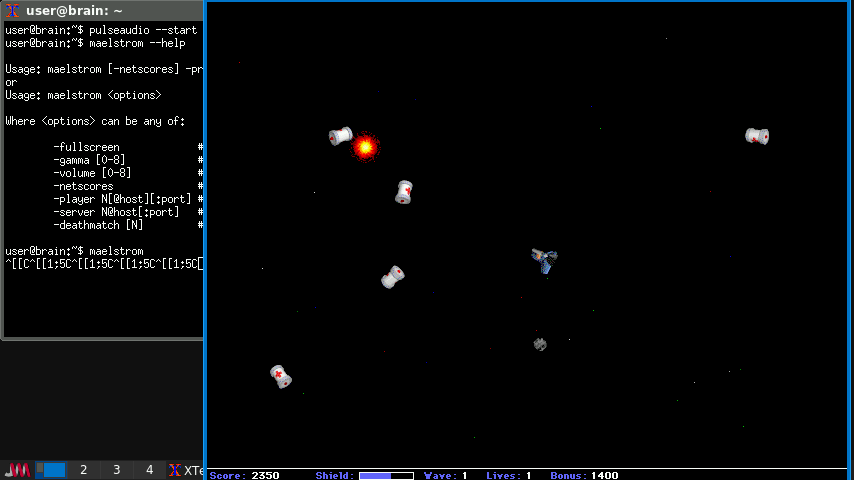
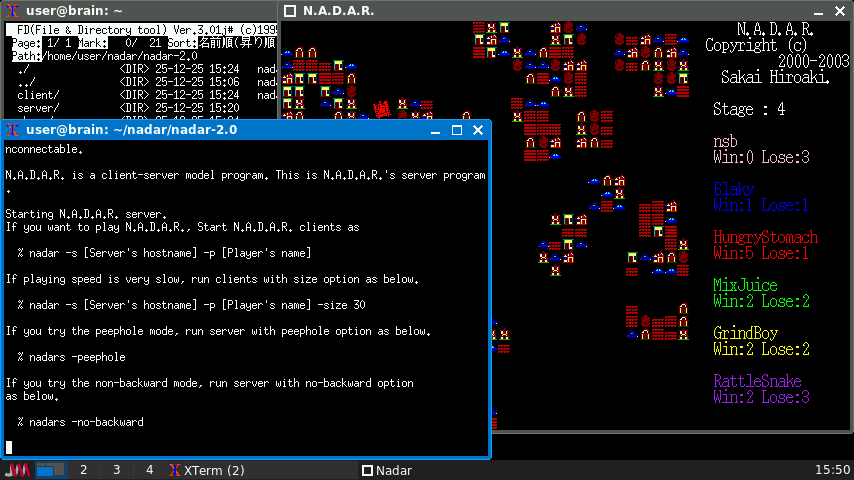
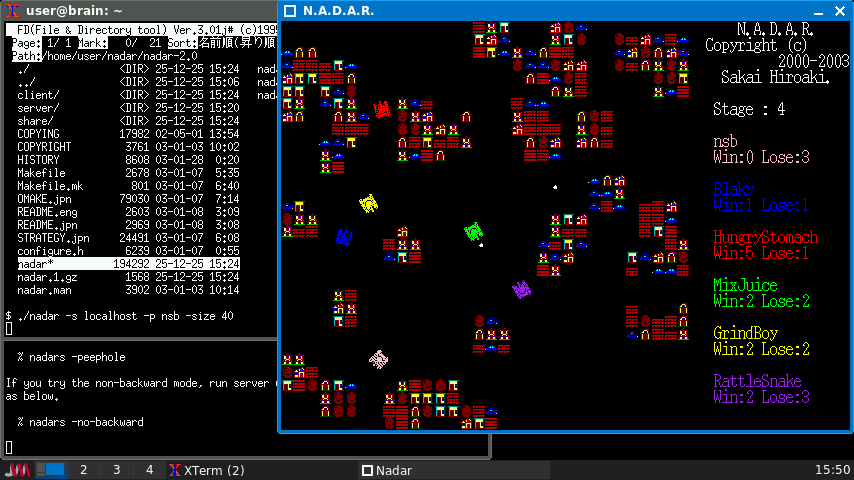
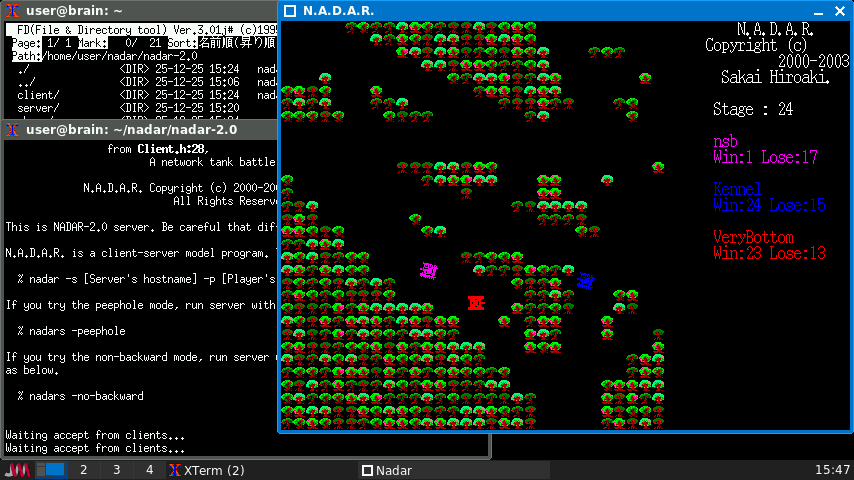
戦車の操作はリモコン戦車のように、 カーソルキーかもしくは i, j, k, l キーで,右回転,左回転,前進,後進です x もしくは左Alt で,砲弾を撃ちます. z もしくは左Shift で,ミサイル(誘導弾)を撃ちます. s もしくは Escape で,自爆です. q でゲームから抜けます. 砲弾は無制限です.ミサイルは3発までです. 障害物は,破壊できます. 戦車が爆風に巻き込まれると破壊されます(直撃でなければ破壊されません).
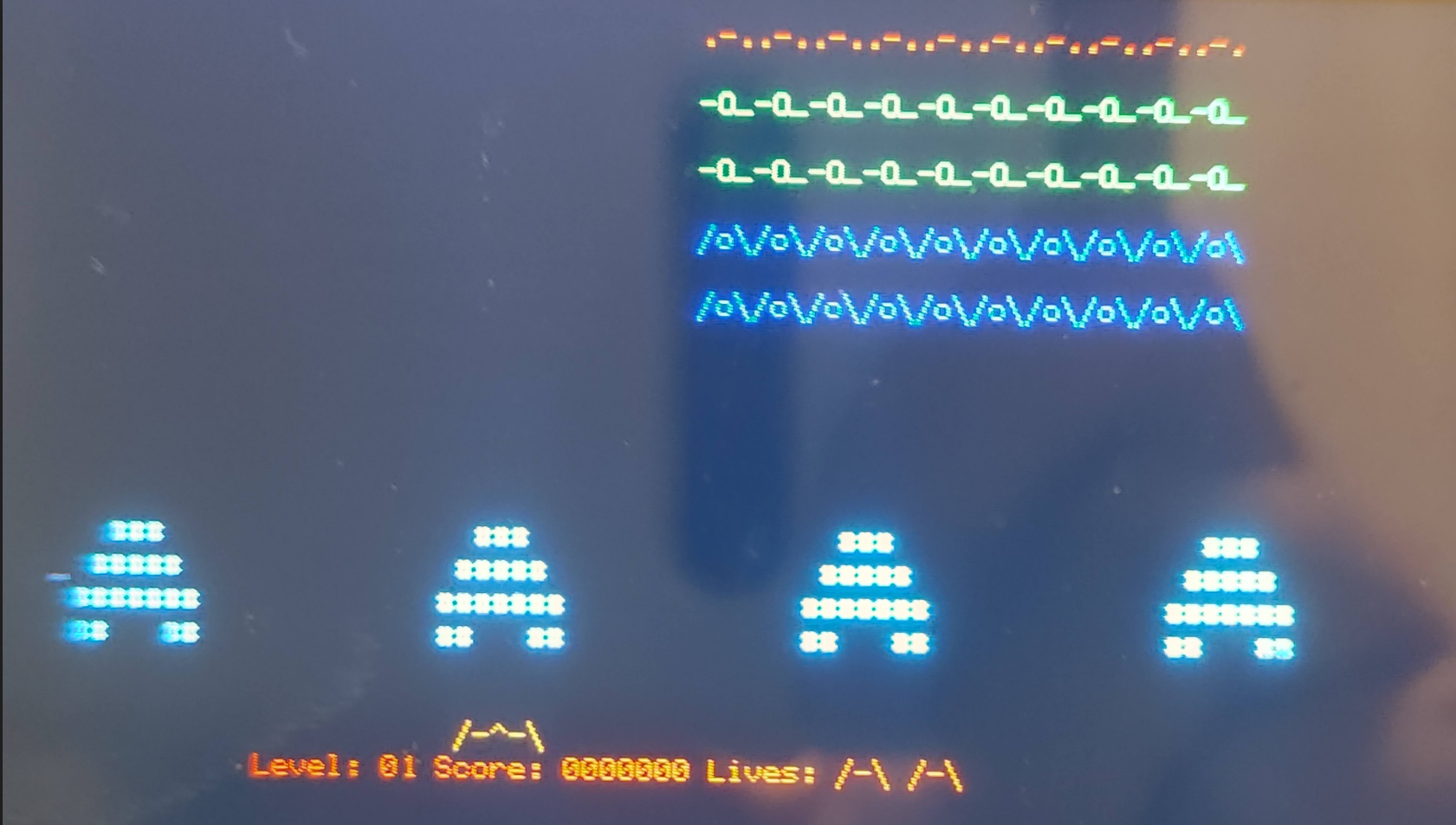
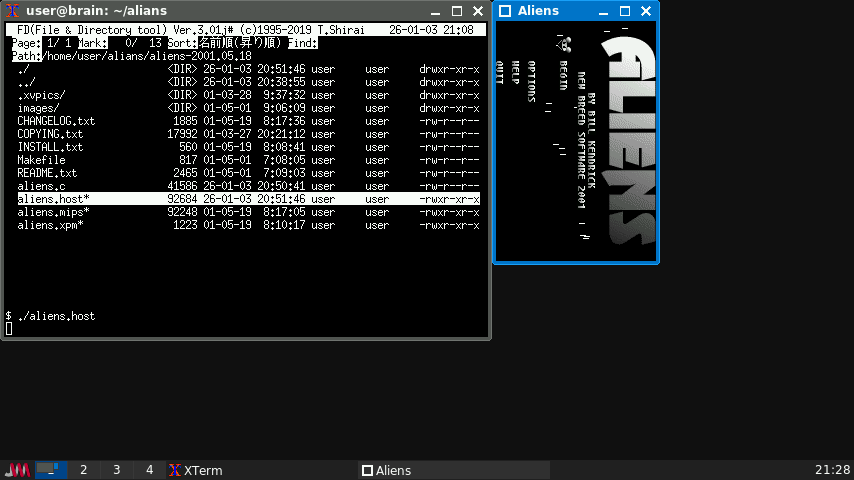
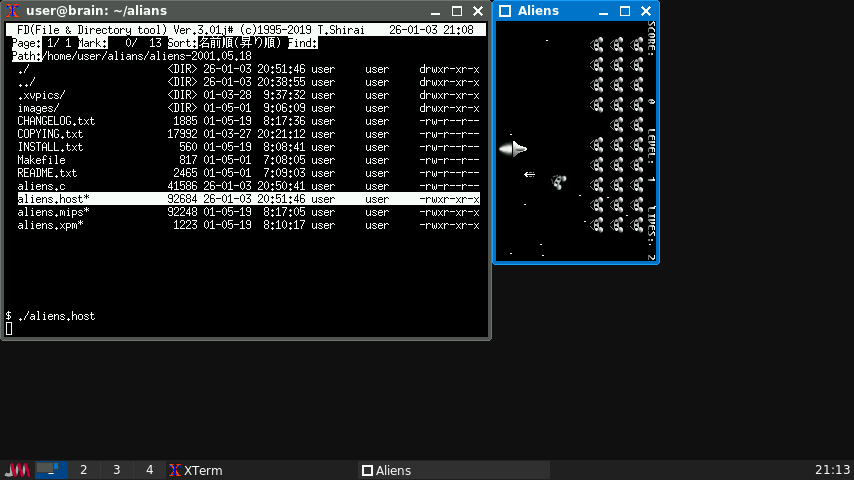
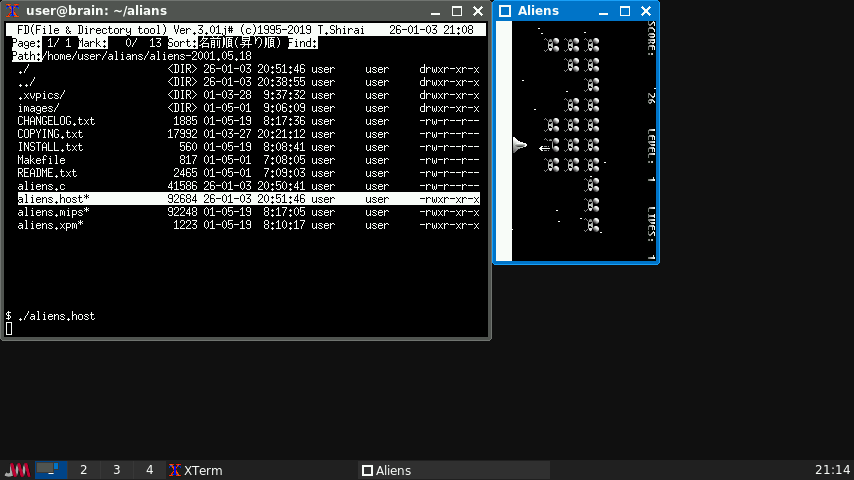
$ cd $ mkdir aliens $ cd alians $ wget https://tuxpaint.org/ftp/unix/agenda/aliens/src/aliens-2001.05.18.tar.gz $ tar zxf aliens-2001.05.18.tar.gz $ cd aliens-2001.05.18 $ make
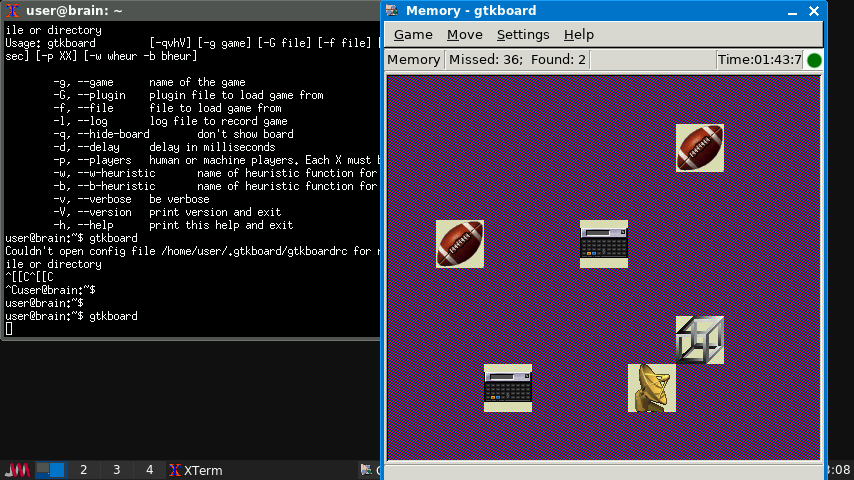
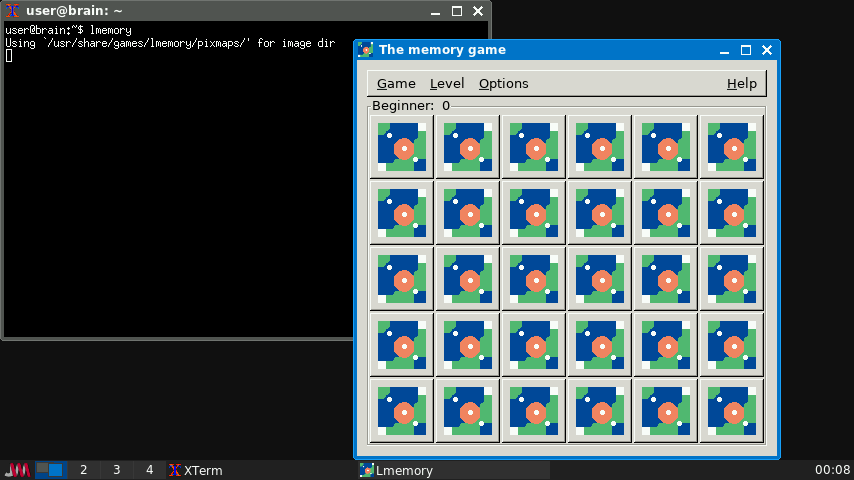
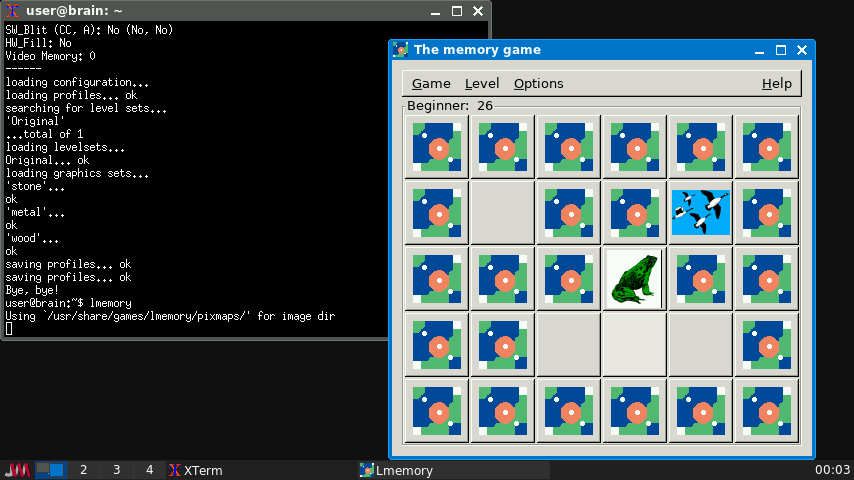
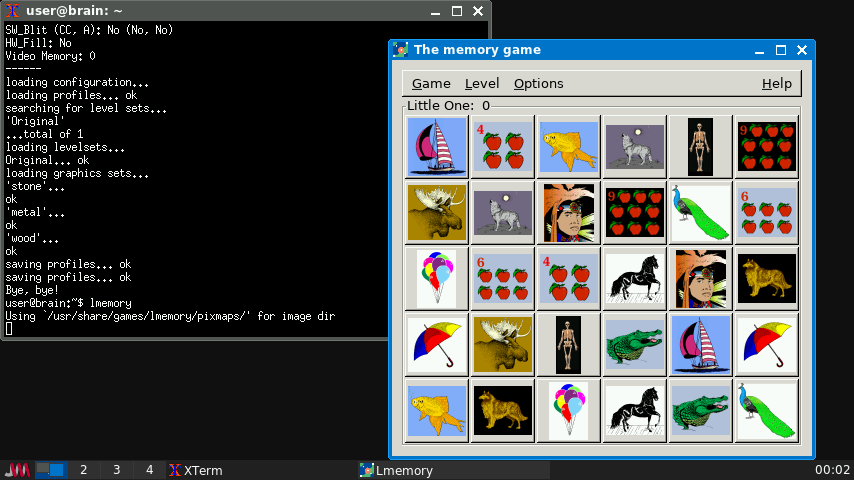
Linux Memory Gameは、カードゲーム「Memory」をベースにした、3歳以上の子供向けのX11ゲームです。GTK+ライブラリを使用して開発されています。子供向けゲームですが、5段階のスキルレベルが用意されており、レベルの高いゲームは大人でも十分に楽しめます。64×64ピクセルのピックスマップ画像を追加できる機能も備えています。
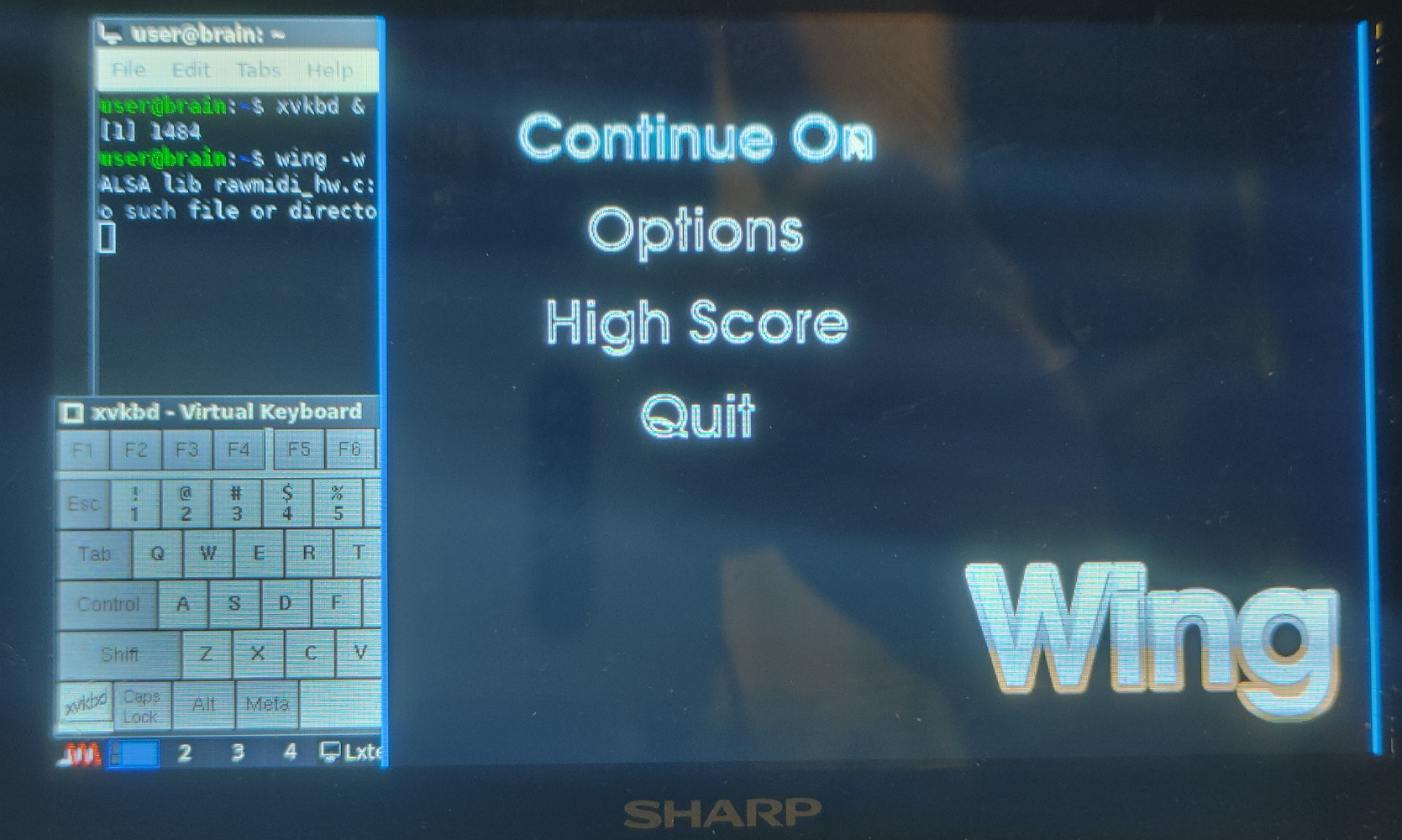
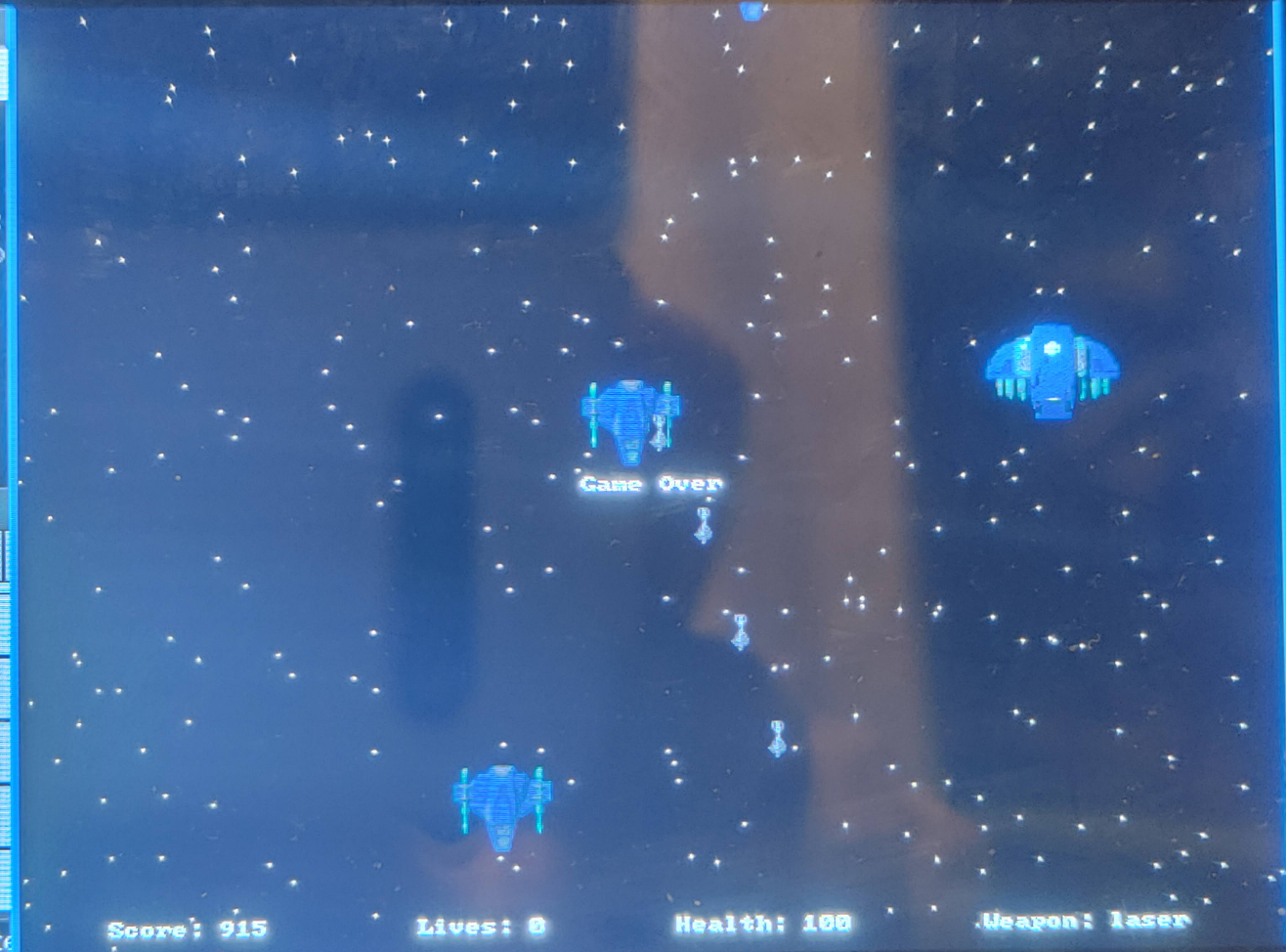
OPTIONS
   -w     run wing in windowed mode.

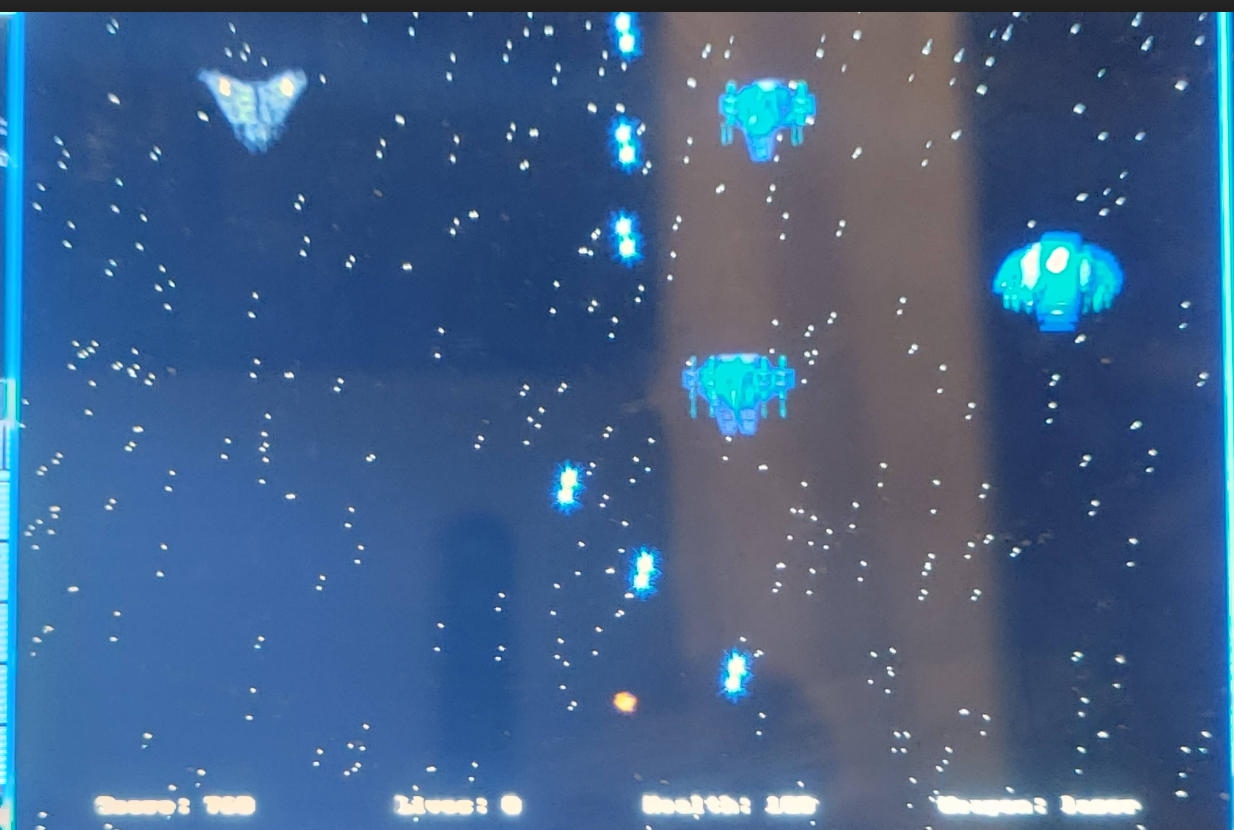
KEYS
   Left, Right, Up, Down
          Move the ship across the screen.
   Ctrl   Fire.

   F1, F2, F3, F4
          Change current weapon. Available weapons  are  laser  (default),
          minigun, plasma and torpedo.

   Esc    Escape  from  the  current  menu. If in the main menu, quits the
          game.
59: DATAFILE *data; ↓ DATAFILE *data; volatile int frame_count = 0; volatile int fps = 0; volatile int logic_count = 0; volatile int lps = 0; volatile int cycle_count = 0;
vi menu.c
126: int update_menu(BITMAP *bmp, Tmenu *m, Tmenu_params *mp, Tcontrol *ctrl, int x, int y, void **data) { ↓ int alex_update_menu(BITMAP *bmp, Tmenu *m, Tmenu_params *mp, Tcontrol *ctrl, int x, int y, void **data) {
191: menu return = update_menu (bmp, menu, mp, (handle_keys ? ctrl : NULL), x, y, &data); ↓ menu return = alex_update_menu (bmp, menu, mp, (handle_keys ? ctrl : NULL), x, y, &data);
24: volatile int frame_count; volatile int fps; volatile int logic_count; volatile int lps; volatile int cycle_count; ↓ extern volatile int frame_count; extern volatile int fps; extern volatile int logic_count; extern volatile int lps; extern volatile int cycle_count;